Resize
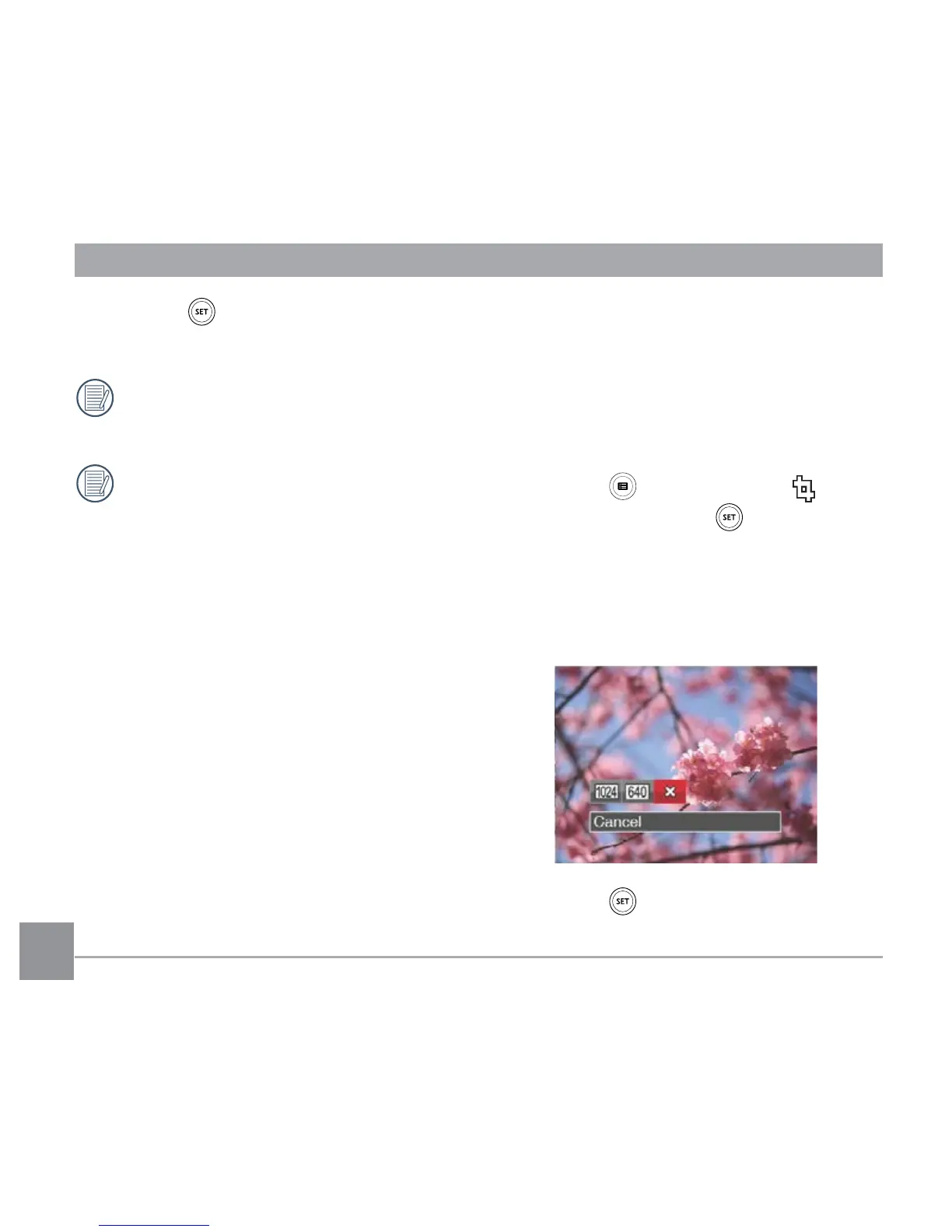
This setting allows you to resize a picture to
a particular resolution and saves it as a new
picture.
1. In Playback Mode, press the left /right
arrow button to select the photos to be
edited.
2. Press the button, select the
settings and press the button to
display the settings screen.
3. Press the left/right arrow button to select
「1024X768」or「640X480」or select
「Cancel」 to return to the playback
Screen.
4. Press the button to confirm the set-
ting.
4. Press the button to confirm the set-
ting.
Videos and panoramic pictures cannot
be rotated.
The rotated picture file will replace the
original photo.



 To Next Page