MDC-2200/2500 Series Chapter 4 Menu operations
0093125002-05 4-15
(13) Switch over Day/Night mode (Display MDC-2200 only)
Switch to pre-defined Daytime mode or Night mode display color.
Refer to “3.11 Change echo color”.
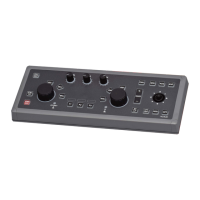
Switch by [DAY/NIGHT] key in the operation panel for MDC-2500 series.
(14) Daytime Echo color selection (Change Daytime mode color)
Select Daytime mode image color.
Select from “White”, “Yellow”, “Green” or “Multi”.
(15) Night Echo color selection (Change Night mode color)
Select Night mode image color.
Select from “White”, “Yellow” “Green” or “Multi”.
(16) Daytime background color selection (Change Daytime mode background
color)
Select Daytime mode background color.
(17) Night background color selection(Change Night mode background color)
Select Night mode background color.
(18) Enlarge cursor position image by zooming function
Zoom function enlarge image centered by cursor position in one step lower range.
It is used to observe surrounding situation of the target at cursor position in detail.
1
Move cursor to the enlarged image position by operating cursor with [Joystick].
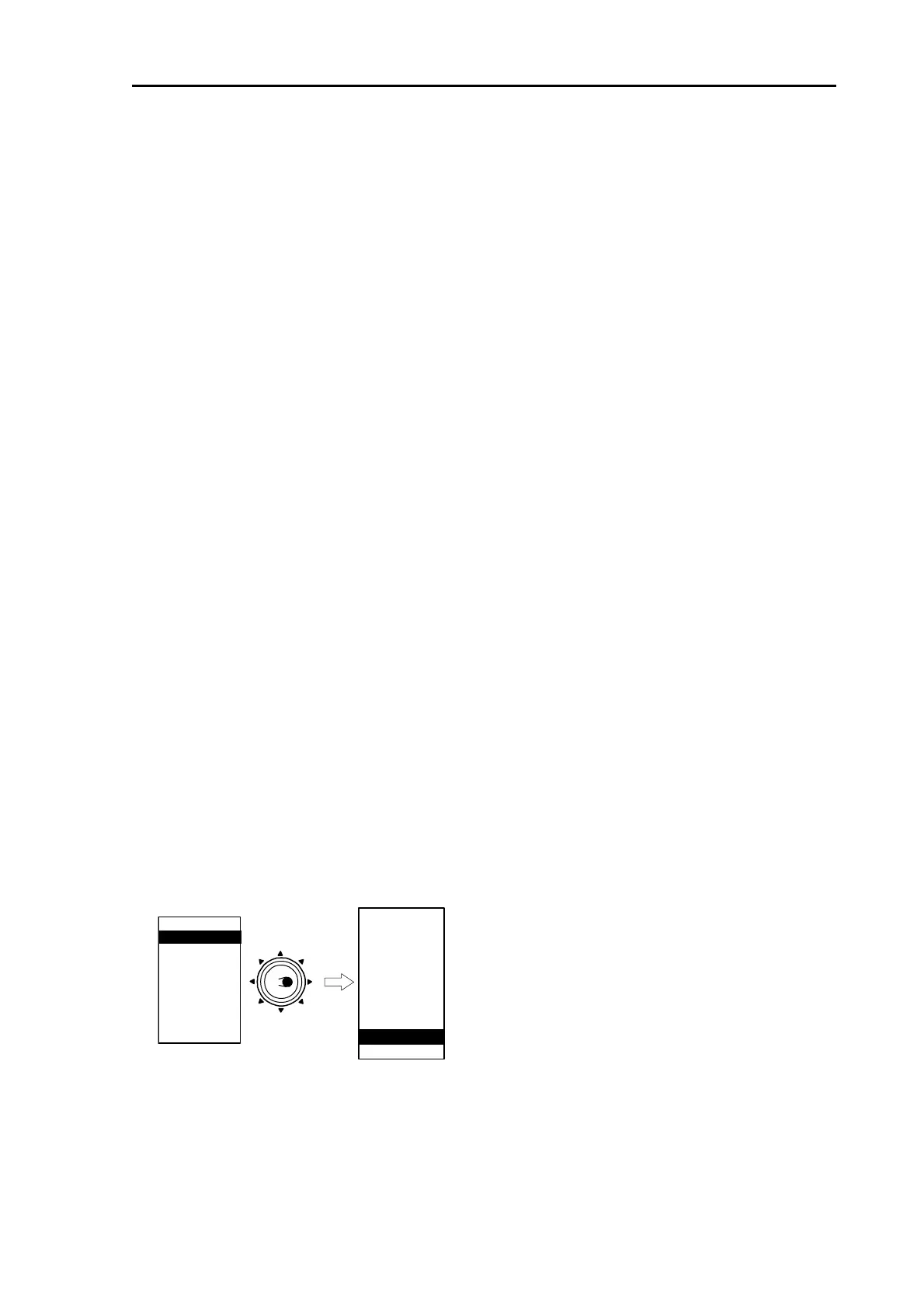
2 Press [MENU] key to display “Menu”.
[ECHO] => [ZOOM], then press [ENT] key.
MARKER
NAV
ALARM
CHART
DETADISP
STARTUP
ECHO
Move to
the right
ATA/EPA
AIS*
**:DAY/NIGHT is provided for MDC-2200 series onl
* : Displayed at installation of AIS unit (optional).
MODE
TRAILS
IR
PROCESS
ZOOM
TM RESET
ECHO COLOR D
MODE
ECHO COLOR N
SHAPE
DAY/NIGHT**
y.
(19) Reset true motion
Reset own ship position to initial value when display mode is N UP
TM
or C UP
TM






 To Next Page