MDC-2200/2500 Series Chapter 4 Menu operations
0093125002-05 4-23
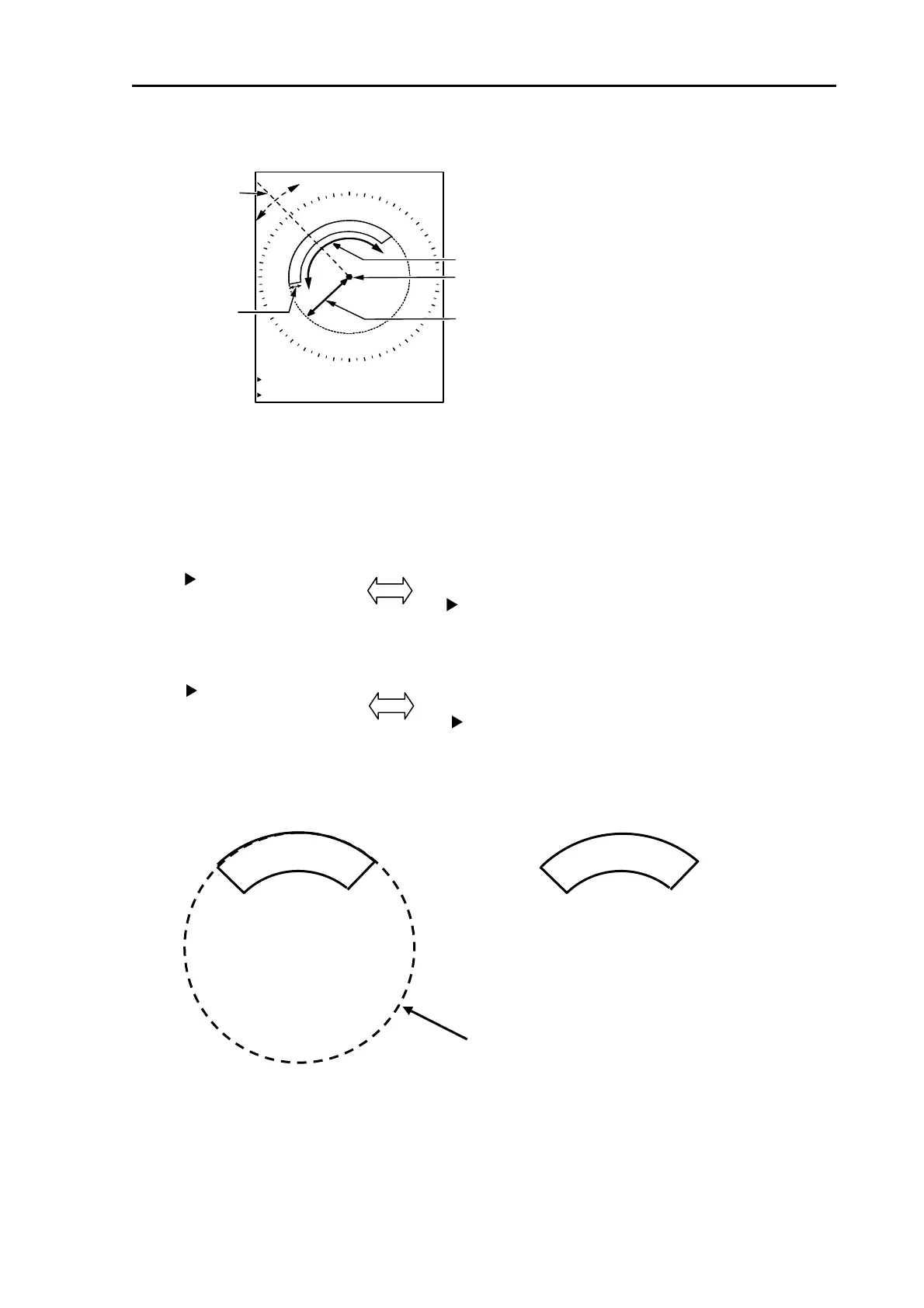
2 Alarm1 area setting screen will be displayed.
RNG
WIDTH
BRG
DEPTH
ALARM 1
BRG 315.8°
WIDTH 100.3°
RNG 4.133NM
DEPTH 0.755NM
Own ship
Setup [bearing] and [width] by using EBL key and EBL knob.
Setup [range] and [depth] by using VRM key and VRM knob.
3 [BRG] and [WIDTH] are switched over by pressing [EBL1] key or [EBL2] key.
4 [RNG] and [DEPTH] are switched over by pressing [VRM1] key or [VRM2] key.
Select [BRG], [WDT], [RNG], [DPT] then setup area by using EBL knob and VRM knob.
5 Press [ENT] key after setup to complete setting.
To delete Alarm1 function
6 Press [MENU] key to display “Menu”.
Select [ALARM] => [ALARM1 AREA] then press [ENT] key.
BRG 315.8°
WIDTH 100.3°
BRG 315.8°
WIDTH 100.3°
RNG 4.133NM
DEPTH 0.755NM
RNG 4.133NM
DEPTH 0.755NM
Alarm1 area setup
is ongoing.
Alarm1 area setup
is completed.
Ring is displayed during setting ongoing.




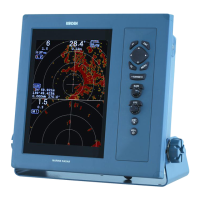


 To Next Page