13
Control Panel Operations
Using the Control Panel
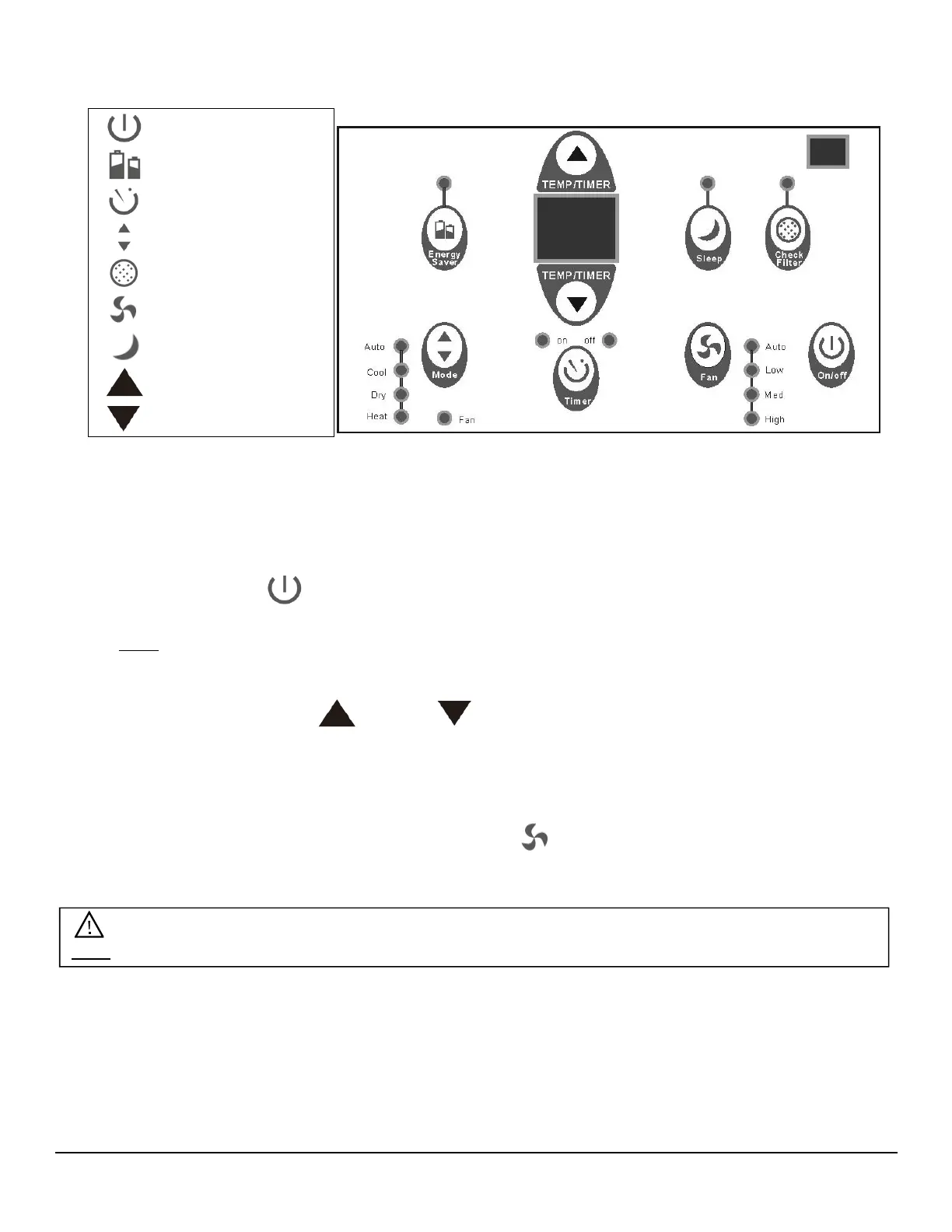
To Turn the Unit on:
Press the On/Off button.
Note-The Energy Saver feature will automatically turn on in “Cool”, “Dry”, and “Auto” mode.
To Change the Temperature:
Press or hold either Up or Down button until desired temperature is seen on the
digital display. This temperature will be automatically maintained anywhere between 62 °F
(17° C) and 86° F (30° C).
To Adjust Fan Speeds:
To select the speed of the fan press Fan Speed which cycles through four steps- Auto,
Low, Medium, or High. Each time the button is pressed the fan speed mode is shifted.
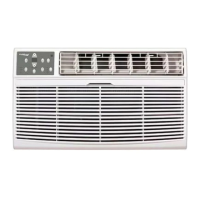
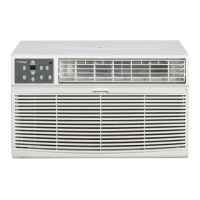
On/Off
Energy Saver
Timer
Mode
Check Filter
Fan Speed
Sleep
Temp/Timer Up
Temp/Timer Down
Note: During “Dry Mode” the fan speed is controlled at Low automatically.


 To Next Page
 Loading...