OPERATION EXPLANATION OF COMPONENTS
3-31
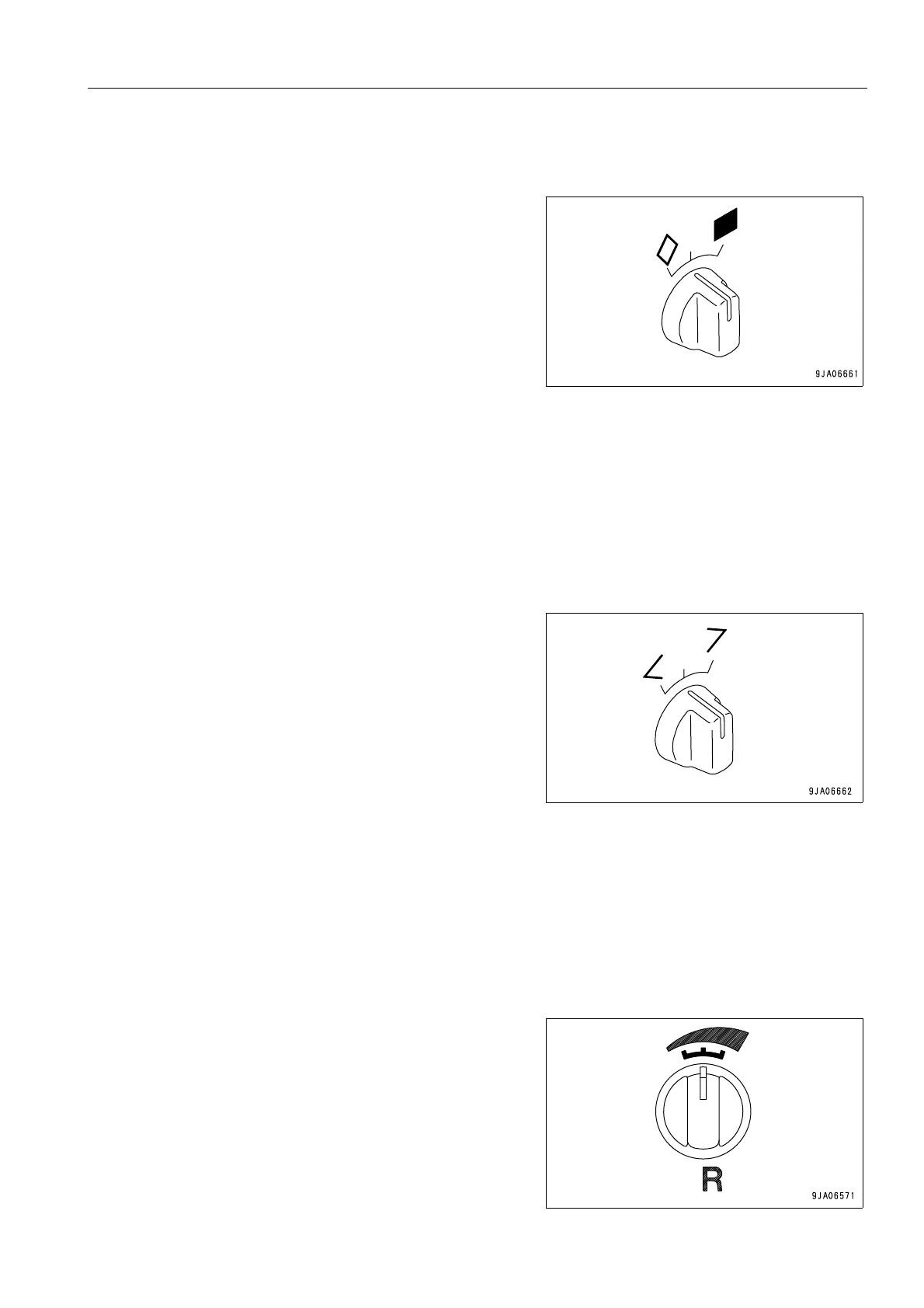
BUZZER CANCEL SWITCH
This switch (2) is used to operate control panel B (multi-information) or to stop the alarm buzzer.
When the switch is released, it returns automatically to the cen-
ter position.
q
When display panel B (multi-information) is in the
operation mode
q When the alarm buzzer is sounding, turn this switch to
the position to stop the buzzer.
q If the switch is held at the position for at least 2.5
seconds, the display switches to the maintenance
mode.
q
When display panel B (multi-information) is in the maintenance mode
position: Cancel or reset to operation mode
position: Confirms selection or selected item
For details, see “METHOD OF USING MAINTENANCE MODE (3-21)“.
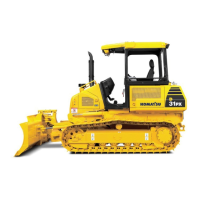
INFORMATION SWITCH
This switch (3) is used to operate display panel B (multi-information).
When the switch is released, it returns automatically to the cen-
ter position.
q
When display panel B (multi-information) is in the
operation mode
turn the switch to < or > to switch the display to service
meter or engine speed.
q
When display panel B (multi-information) is in the
maintenance mode
It is used to move between sub modes, between items, to
move the cursor, or to change values.
For details, see “METHOD OF USING MAINTENANCE
MODE (3-21)“.
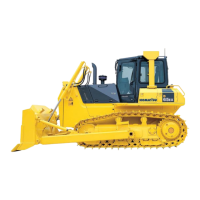
REVERSE TRAVEL SPEED SETTING SWITCH
This switch (4) can be used to set the reverse travel speed to a
different setting from the forward travel speed.
For details, see “REVERSE TRAVEL SPEED INDICATOR (3-
13)“.



 To Next Page