37
MANAGING THE PHONEBOOK
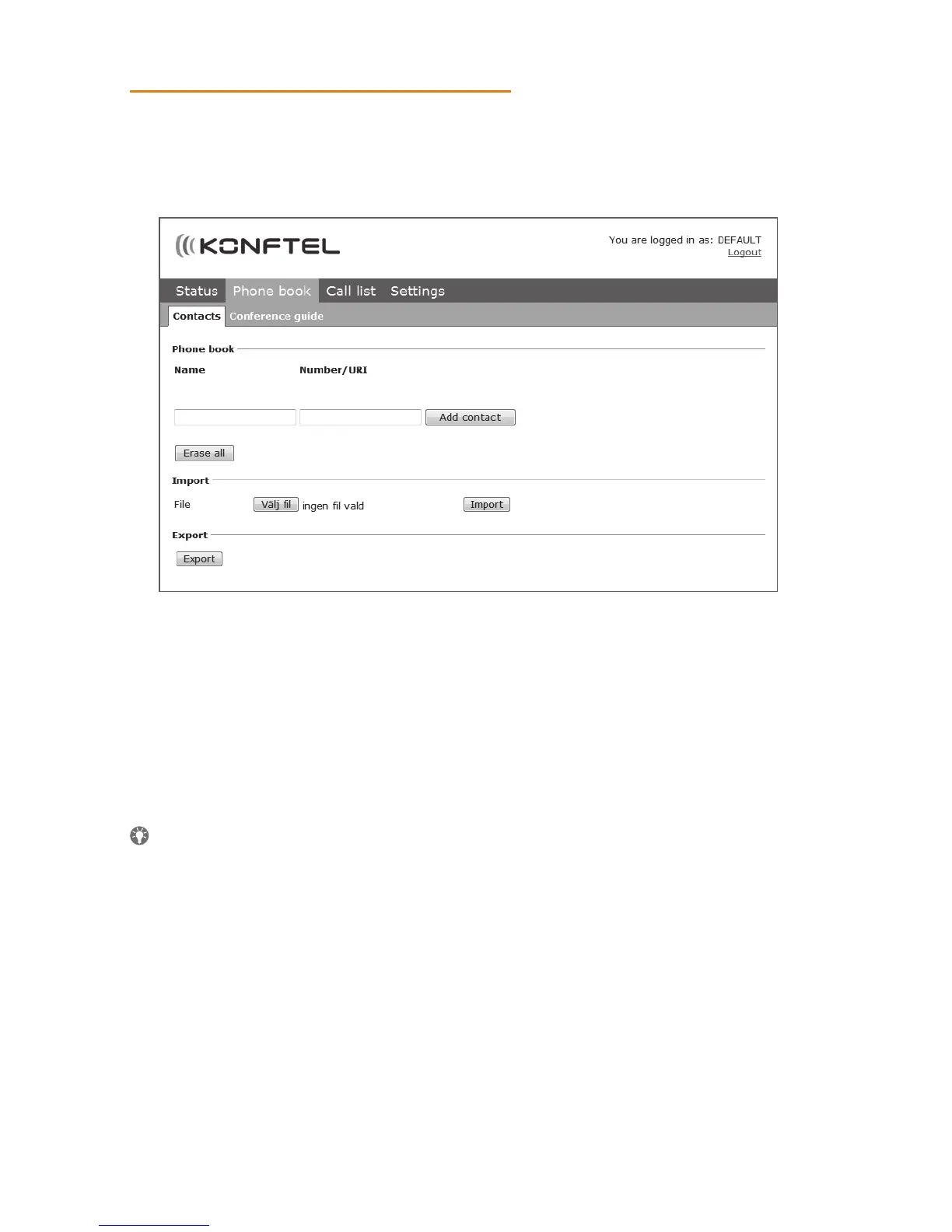
Select Phone Book.
Here, you can add, change and delete contacts. You can also import existing contacts.
When you call or are called by a contact who is already in the phonebook, that per-
son’s name is displayed on the screen.
Adding a contact
Enter the contact’s name under Name:
Enter the contact’s phone number or URI under Number/URI.
Information about URI can be found on pages 55-56.
The way the number can be written may depend on the SIP PBX being used, but
normally you can use:
• Complete phone number, including country code
• Phone number, including area code
• Local phone number only
• Internal speed dial number (with company’s own PBX)
• URI, e.g. sip:user@company.com
• URI with IP address, e.g. sip:10.10.1.100 (within a local network)
Click on Add contact.
USING THE WEB INTERFACE



 To Next Page