45
Display text
The display text appears on the screen when the Konftel 300IPx is on hook. This is also
used to identify the Konftel 300IPx when connected with Konftel Unite.
Enter the text you want in the text box and click on Save.
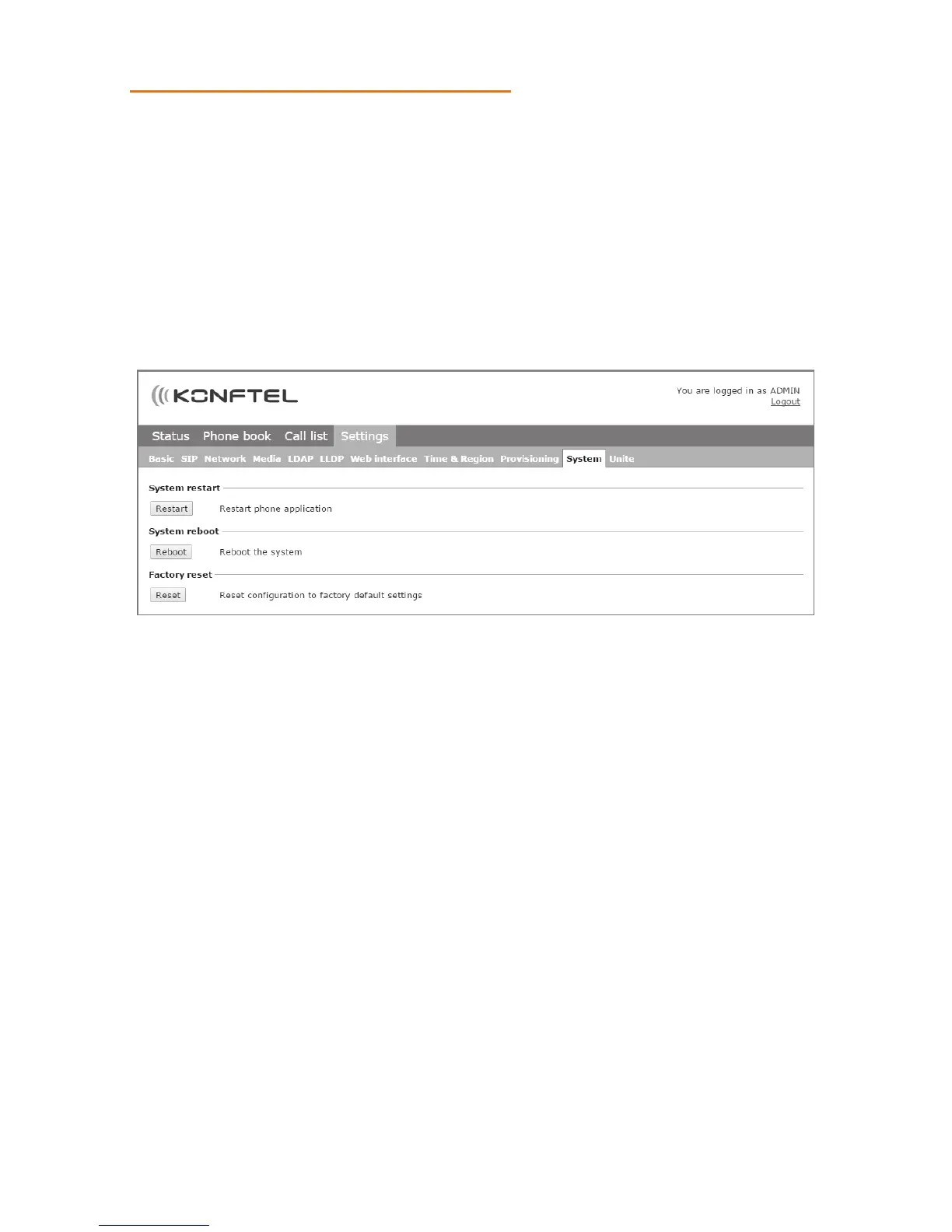
RESTARTING THE KONFTEL 300IPX
Select Settings > System.
Restarting the phone application
This only restarts the phone software with the current settings. The restart takes about
30 seconds.
Click on Restart.
Restarting the phone
This shuts down and restarts the phone. This restart takes about three minutes.
Click on Reboot.
USING THE WEB INTERFACE



 To Next Page