48
It is simple to connect the Konftel 300IPx to a mobile phone or tablet on which the
Konftel Unite app is installed. The conference phone and your meetings can be managed
from the app instead of the phone's keypad. It’s much more personal, direct and intuitive
when you're holding the user interface in your hand. Call contacts straight from your local
address book, create conference groups, adjust the volume and other features.
The Konftel 300IPx and Konftel Unite together bring One Touch Conferencing into the
conference room. A single touch is all it takes to start or join a phone meeting that's
scheduled in your calendar.
INSTALL THE APP
Konftel Unite is free to download from the App Store and Google Play. Download and
install it from the store like any other app.
PAIRING AND CONNECTING
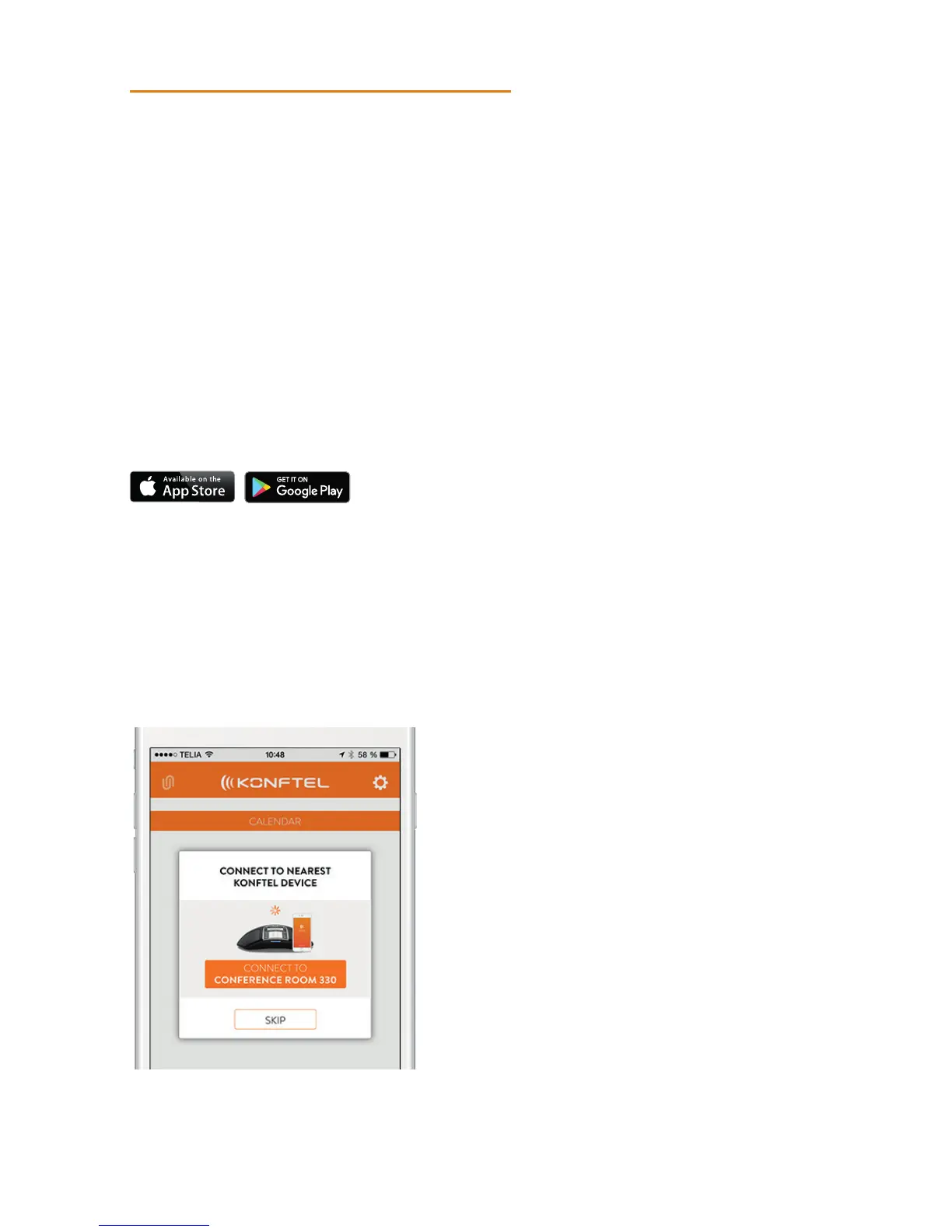
The first time you use the Konftel 300IPx with Konftel Unite in your mobile phone, the
devices have to be paired as instructed in the app. They then connect with one click after
the app has been opened near the conference phone.
What to do:
Open Konftel Unite. The closest Konftel 300IPx will then be displayed.
USE WITH KONFTEL UNITE



 To Next Page