43
BASIC SETTINGS
The settings only aect the user profile you selected when you logged in.
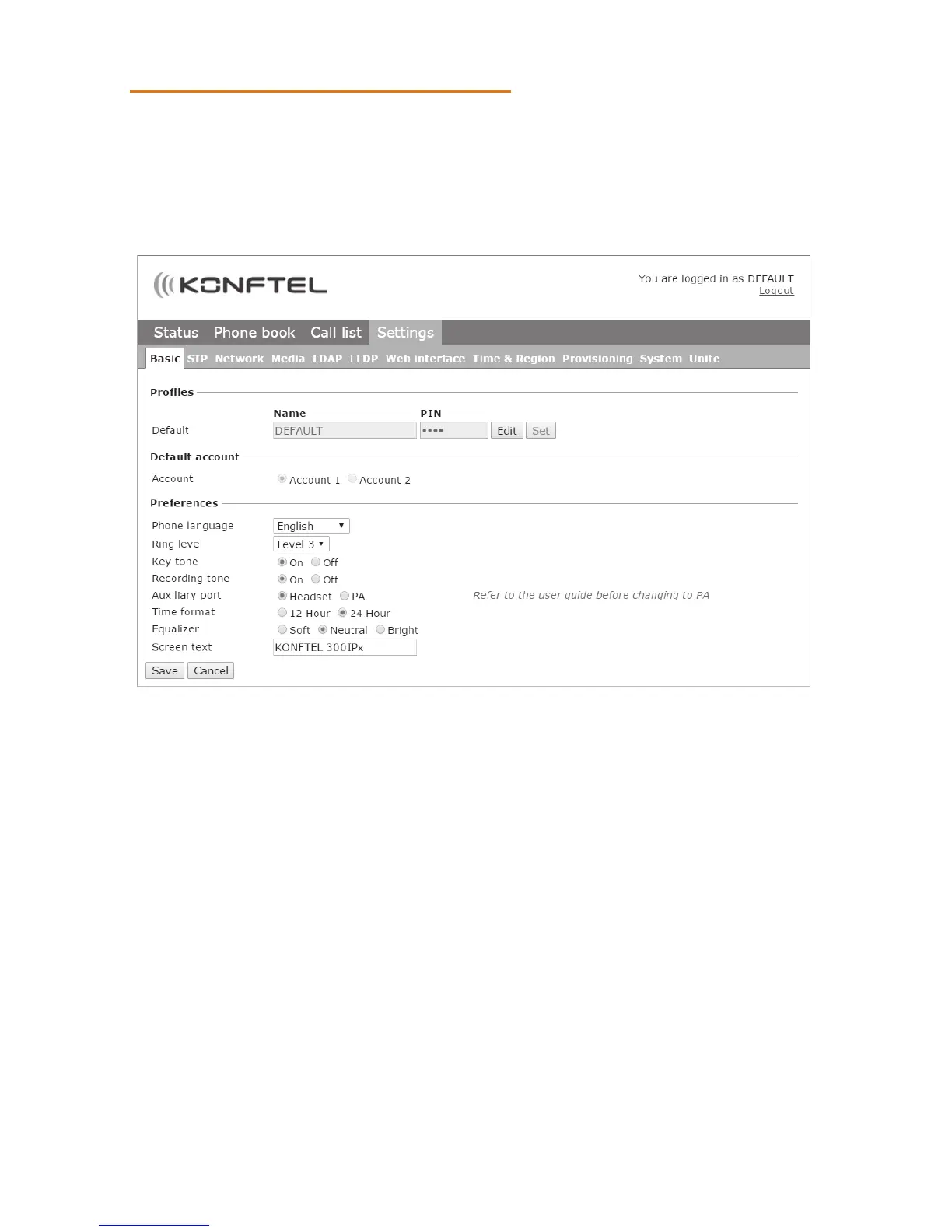
Select Settings > Basic.
Changing PIN code and profile name
The PIN code can be changed from the default setting to protect against unauthorised
use.
Click on the Edit button under the heading Profiles.
Enter a new PIN code.
The code may consist of 8 digits.
If you are changing a user profile, you can also change the name.
Click on the Set and Save buttons.
Make a note of the new PIN code and keep it in a safe place.
The administrator is always able to view and change the name and PIN code of the
profile.
Select default account
The Konftel 300IPx can save settings for two accounts, e.g. a company PBX and a public
USING THE WEB INTERFACE



 To Next Page