EasyManua.ls Logo

Konftel 300IPx - Document Conventions; Writing Style in Instructions; Menu Tree Overview

Konftel 300IPx
62 pages
Print Icon
To Next Page IconTo Next Page
To Previous Page IconTo Previous Page
Loading...
7
DESCRIPTION
Writing style in instructions
In the instructions, > SETTINGS (6) means you should:
Press .
Mark the SETTINGS option using the arrow buttons and confirm by pressing OK to
open the menu (or press button number 6).
Correspondingly, Phone book > Conference Guide in the web interface means you should
select the Phone book menu and the Conference Guide tab.
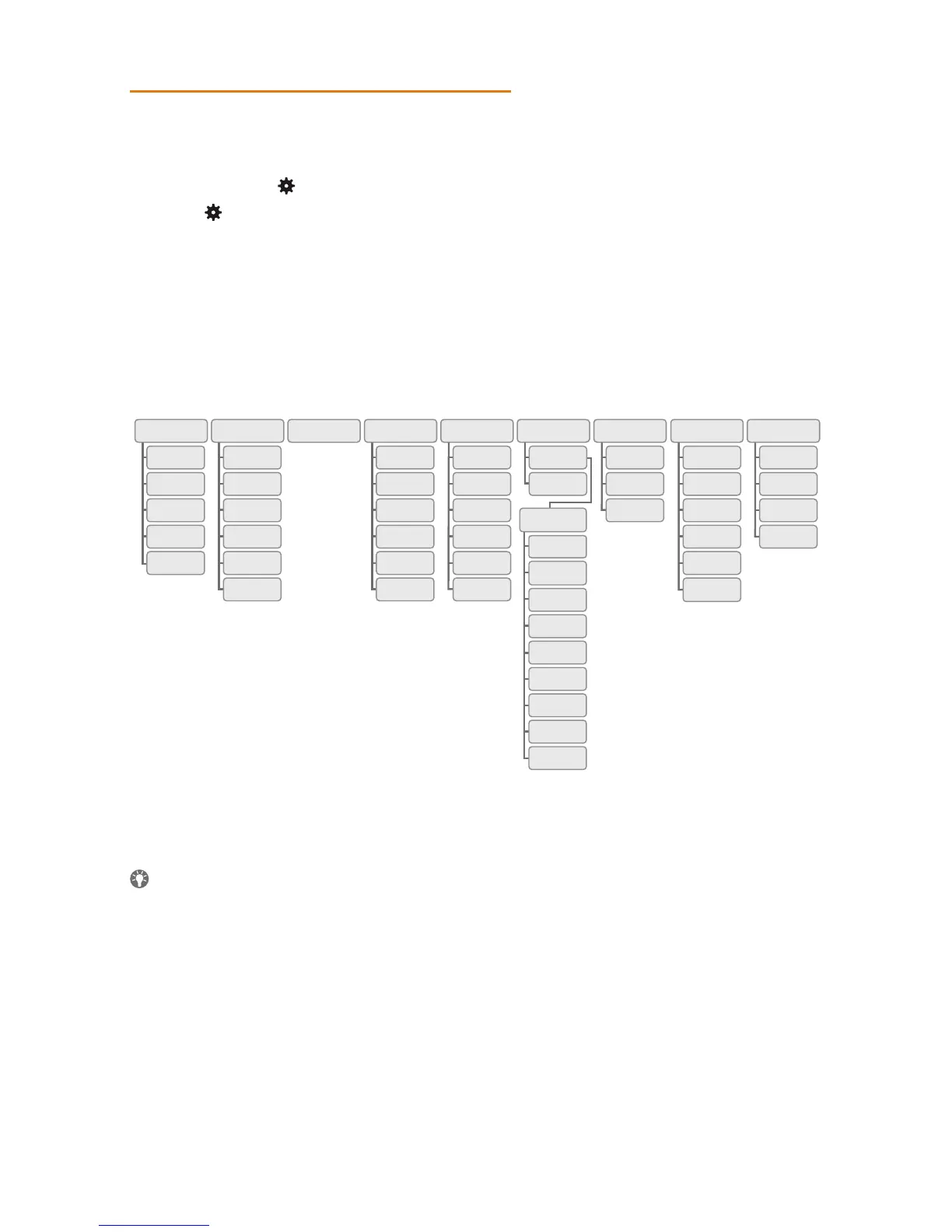
Menu tree
It is simplest to make settings and edit contacts using a PC and the Konftel 300IPx
web interface (see page 35).

1 2 3 4 5 6 7 8 9
KONF. GUIDE
GRUNDINSTÄLL-
NINGAR
INSTÄLLNINGAR SYSTEM STATUSINSPELNING
STANDARD
PROFILE 1
PROFILE 2
PROFILE 3
PROFILE 4
PROFILER
TELEFONBOK EXT. TELEFONBOK
SÖK
KONTAKT
LÄGG TILL
KONT.
REDIGERA
KONT.
RADERA
KONTAKT
RADERA
ALLA
STATUS
SÖK
GRUPP
LÄGG TILL
GRUPP
REDIGERA
GRUPP
RADERA
GRUPP
RADERA
ALLA
STATUS
UPPSPEL-
NING
ÄNDRA
NAMN
RADERA
FIL
RADERA
ALLA
INSTÄLL-
NINGAR
STATUS
GRUND-
LÄGGANDE
AVANCERAD
STARTA
OM APPL.
STARTA
OM TEL.
TOTAL
ÅTERST.
UNITE
KOPPLA
FRÅN
RADERA
ENHET
RADERA
ALLA
STATUS
KONTON
TVERK
NAT
TRAVERS.
MEDIA
TID
ENHET
KONTON
SPRÅK
KNAPPLJUD
RINGSIGNAL
EQUALIZER
AUX-PORT
PA
TIDSFORMAT
STANDARD

Table of Contents

Related product manuals