1
Introduction
1-12
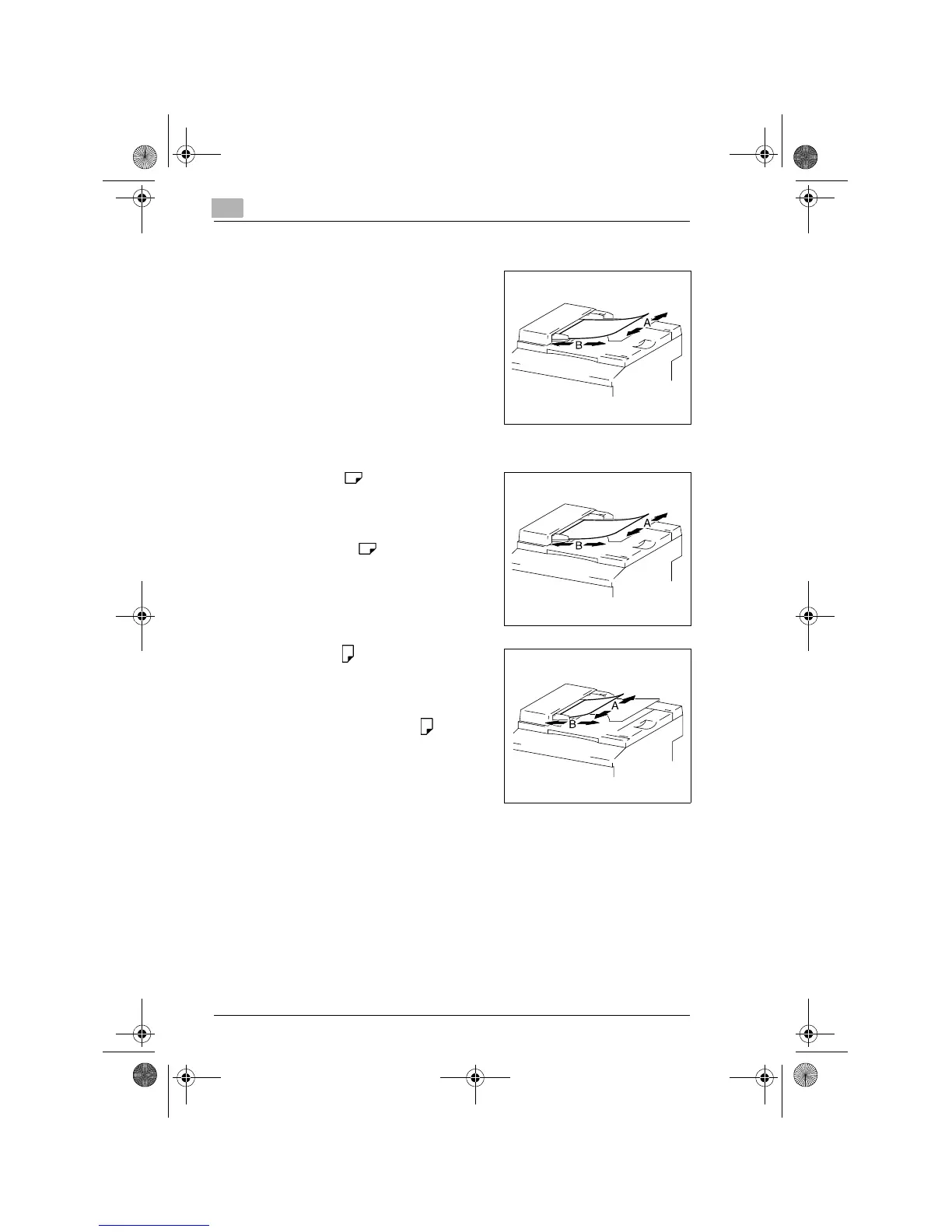
“Width” and “Length”
Whenever paper dimensions are
mentioned in this manual, the first value
always refers to the width of the paper
(shown as “A” in the illustration) and the
second to the length (shown as “B”).
A: Width
B: Length
Paper Orientation
Lengthwise ( )
If the width (A) of the paper is shorter
than the length (B), the paper has a
vertical or portrait orientation, indicated
by either “L” or .
Crosswise ( )
If the width (A) of the paper is longer
than the length (B), the paper has a
horizontal or landscape orientation,
indicated by either “C” or .
Konica7115_7118.book Page 12 Tuesday, October 16, 2001 10:51 AM



 To Next Page