3
Before Making Copies
3-16
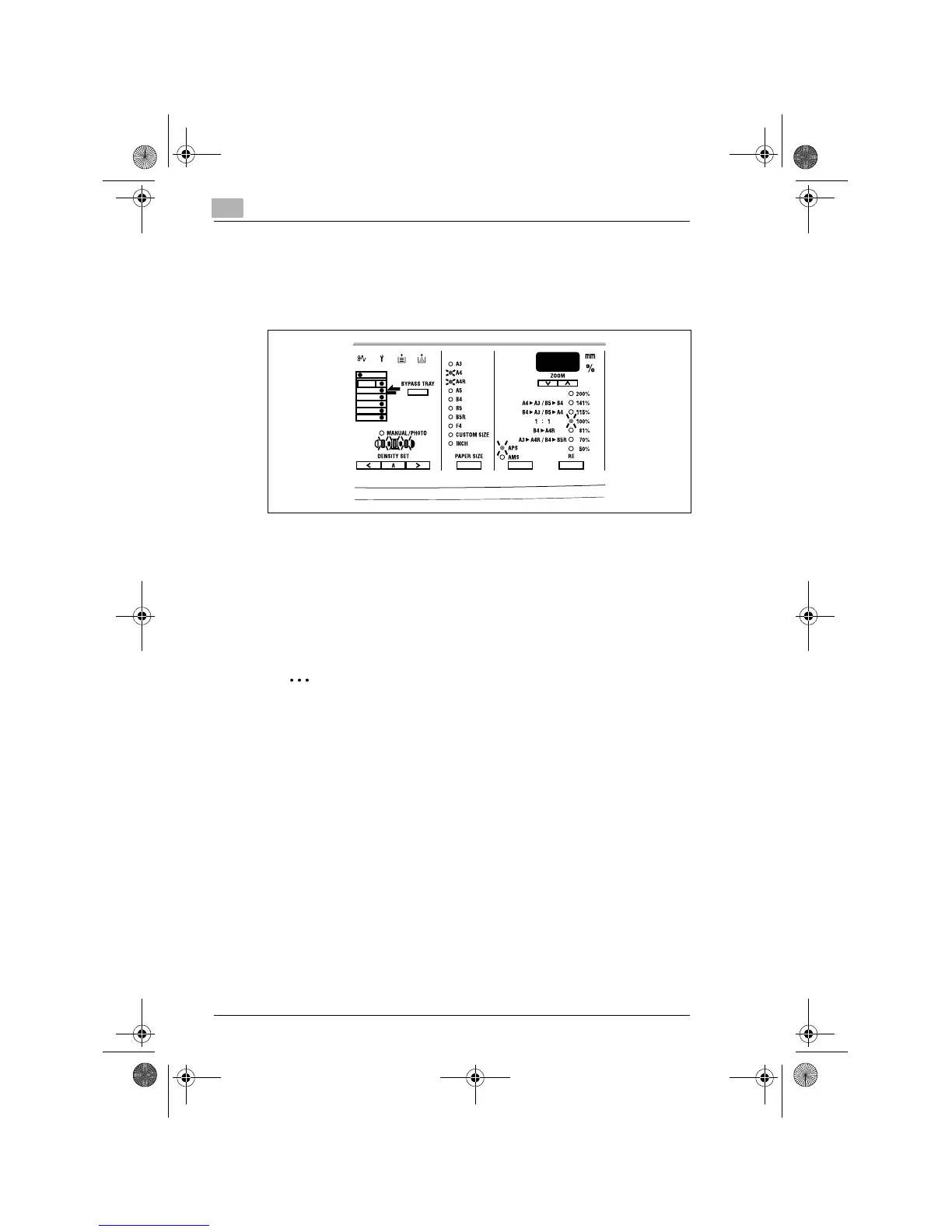
Default Settings
When the copier is turned ON, the function indicators on the control panel
will indicate the default settings which serve as the reference for all control
panel settings to be made later.
Default settings
G
Number of copies: 1
G
Density: Auto
G
RE: 100% (full size)
G
Paper Size: APS (When Automatic Document Feeder is mounted)
G
Output: Non-Sort
✎
Tip
The default settings can be customized by selecting User’s Choice.
(p.7-2)
Konica7115_7118.book Page 16 Tuesday, October 16, 2001 10:51 AM



 To Next Page