Advanced Copying
6
6-13
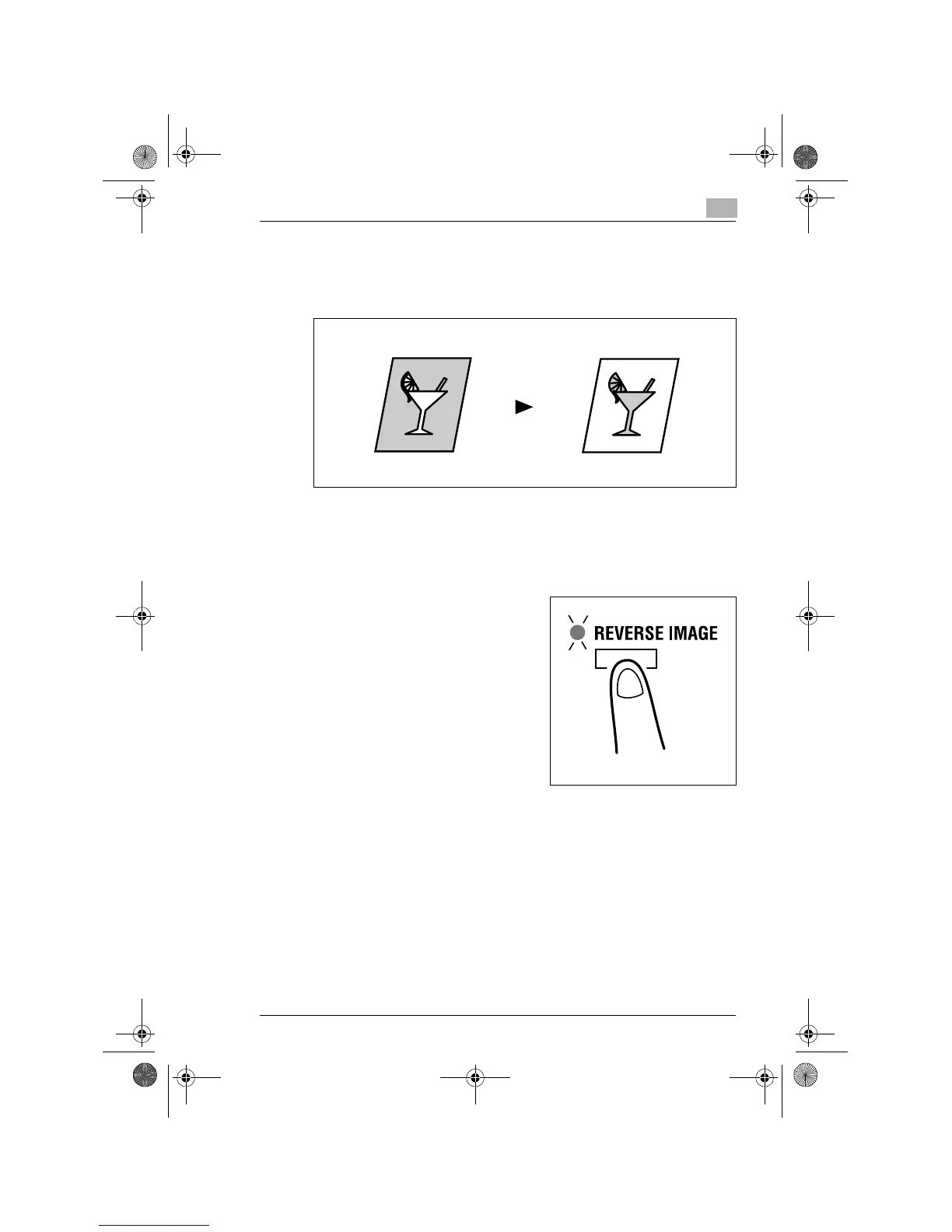
6.4 Reversing Original Tonal Arrangements
The white part (background) and the black part (text) are reversed on the
copy.
Reverse Image
1
Position the original.
❍
Original Loading (p.4-1)
2
Press the [REVERSE IMAGE] key
and make sure that the Reverse Im-
age indicator.
3
Make any other necessary settings.
4
Enter the number of copies to be made from the Key Pad and then
press the [START] key.
Original Copy
Konica7115_7118.book Page 13 Tuesday, October 16, 2001 10:51 AM



 To Next Page