6
Advanced Copying
6-14
6.5 Providing a Image Shift
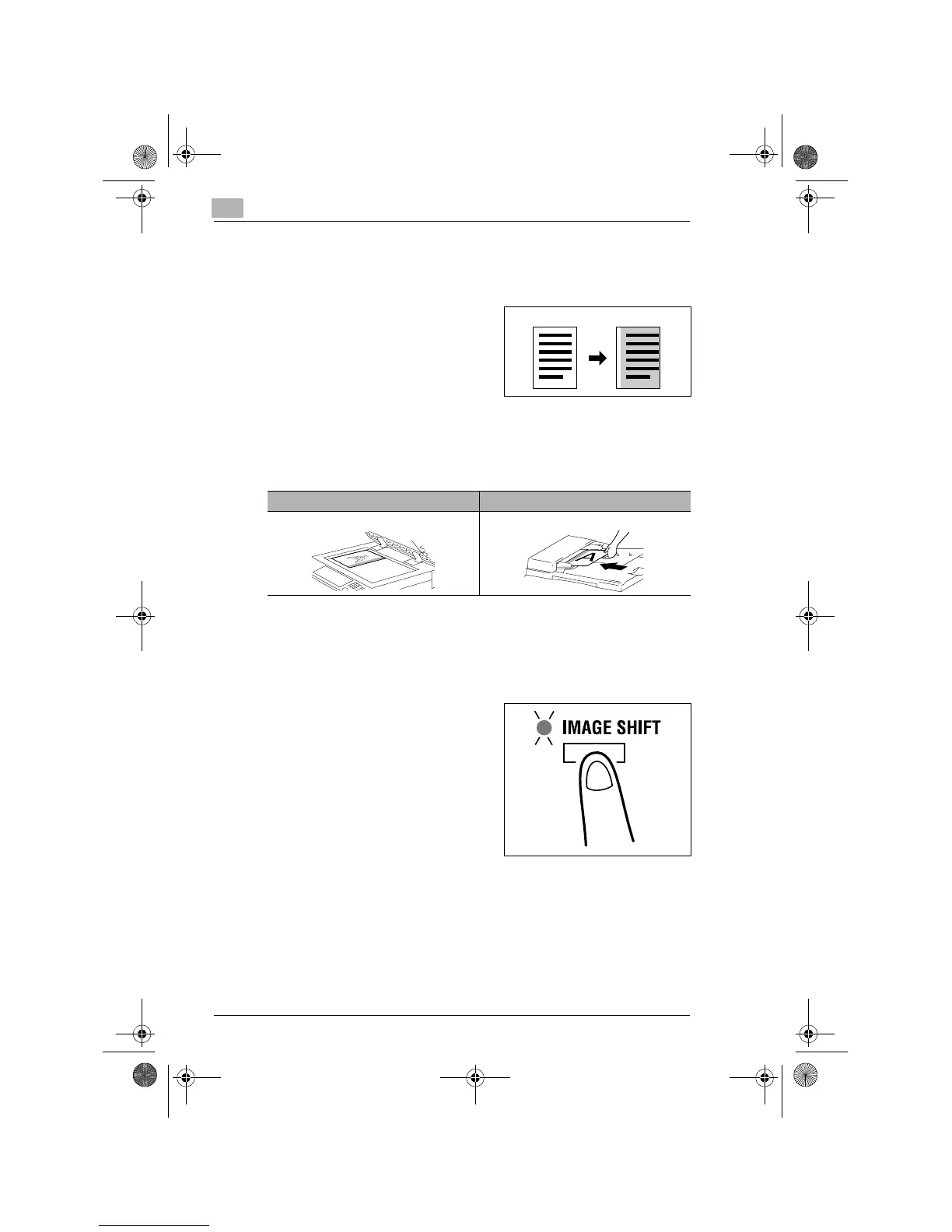
The copier provides a file margin along the leading edge for ease in filing.
What is Image Shift?
➜
The image of the original is shifted
to the right to leave a margin along
the left edge of the copy.
Precautions for Image Shift Position
Study the illustration below to be sure of the correct direction of placing
the original when making a copy with a file margin.
Setting Image Shift
1
Position the original.
❍
Original Loading (p.4-1)
2
Press the [IMAGE SHIFT] key to
light the Image Shift indicator.
?
Do you know how to set the file
margin width?
➜
The file margin width can be set
in the range between 0 mm and
20 mm, variable in 1-mm incre-
ments. The default value is 10
mm.
➜
To change the file margin width, change the setting for “Margin
Setting” of User’s Choice. (p.7-7)
3
Make any other necessary settings.
4
Enter the number of copies to be made from the Key Pad and then
press the [START] key.
Original Copy
Original Glass Automatic Document Feeder
Konica7115_7118.book Page 14 Tuesday, October 16, 2001 10:51 AM



 To Next Page