5
Making Copies
5-18
5.6 Interrupting a Copy Job
By selecting the [INTERRUPT] key, a multi-copy cycle can be stopped at
any time to make an urgent copy.
✎
Note
Some functions cannot be interrupted. Also, some settings may not
be available when a copy job is interrupted. For more details, refer to
the “Function Combination Table” (p.10-6).
To Interrupt a Copy Job
1
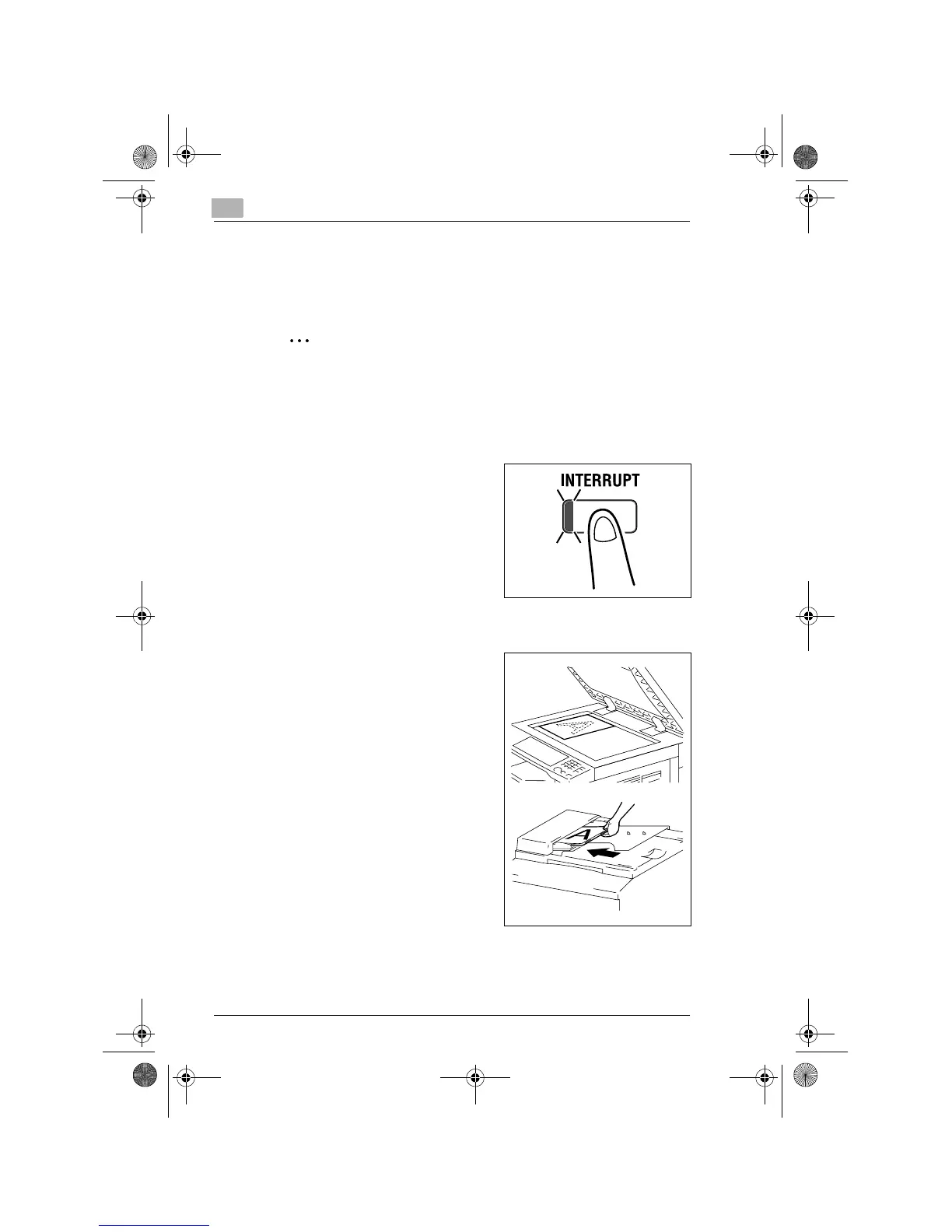
Press the [INTERRUPT] key.
The Interrupt indicator lights and the
current copy cycle pauses.
?
Do you know what settings can
be selected when the
[INTERRUPT] key is pressed?
➜
When the [INTERRUPT] key is
pressed, all functions and
settings indicated on the control
panel are reset to their defaults.
2
Remove the original of the
interrupted copy job and then
position the new one that you want
to copy.
Konica7115_7118.book Page 18 Tuesday, October 16, 2001 10:51 AM



 To Next Page