Before Making Copies
3
3-5
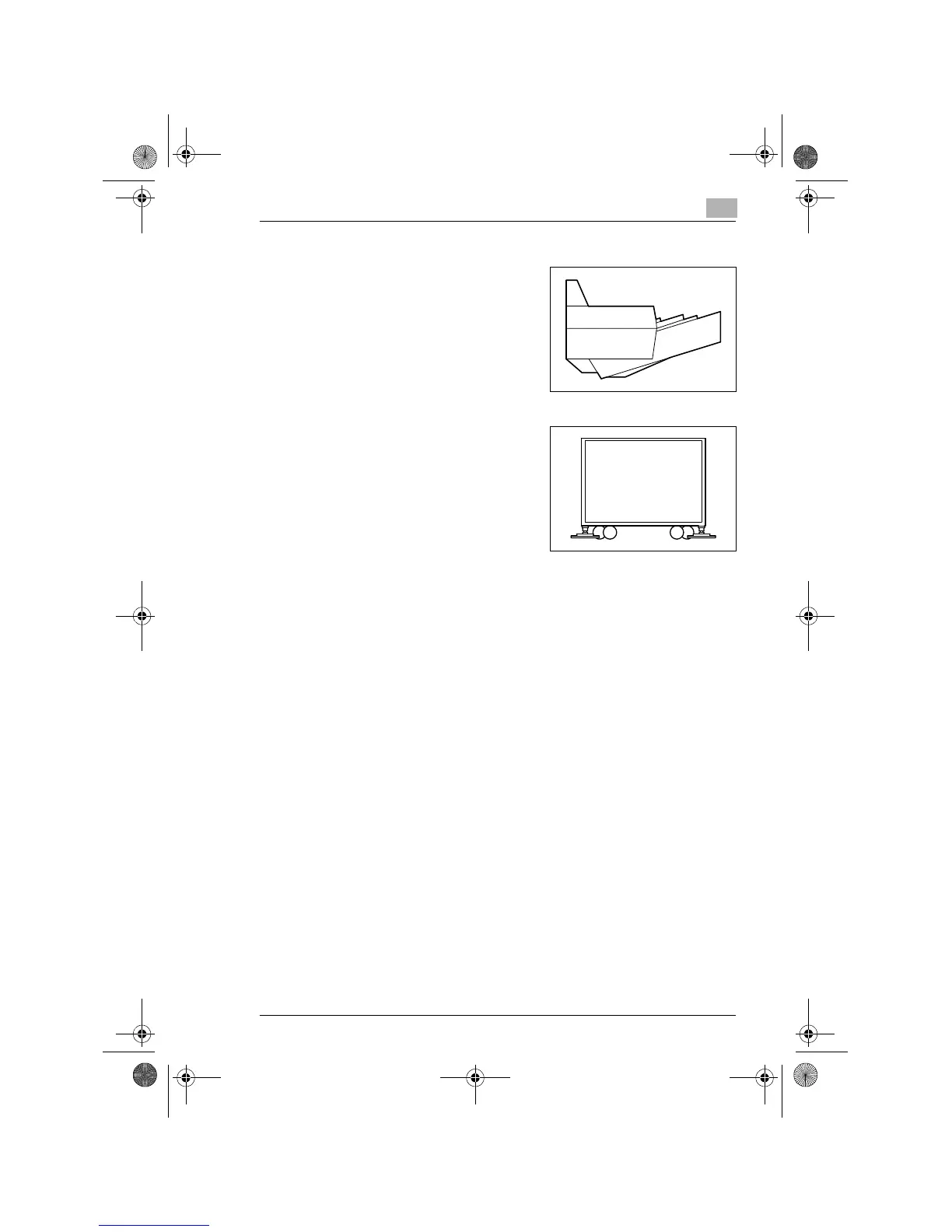
Multiple Bypass MT-102 (option)
G
Up to 50 sheets of Paper can be
loaded in the Bypass Tray.
Copy Desk DK-111(S)/DK-112(M)/DK-113(L) (option)
G
Adjusts the height when a Paper
Feed Cabinet is mounted.
Fax unit for Konica 7115/7118 FK-117 (option)
G
Permits fax transmission using this copier.
Printer Controller IP-413 (option)
G
A built-in type printer controller that allows the copier to be used as a
printer with the copier connected to a personal computer.
Network Interface Card KN-305 (option)
G
Allows the copier to be used as a network printer.
16MB Memory for Copier MU-409 (option)
32MB Memory for Copier MU-410 (option)
G
Expands the memory capacity of the copier (16MB, 32MB), thereby
allowing image rotation and 2in1 copying to be performed.
Konica7115_7118.book Page 5 Tuesday, October 16, 2001 10:51 AM



 To Next Page