5
Making Copies
5-4
Manual Paper Selection
1
Position the original.
❍
Original Loading. (p.4-1)
2
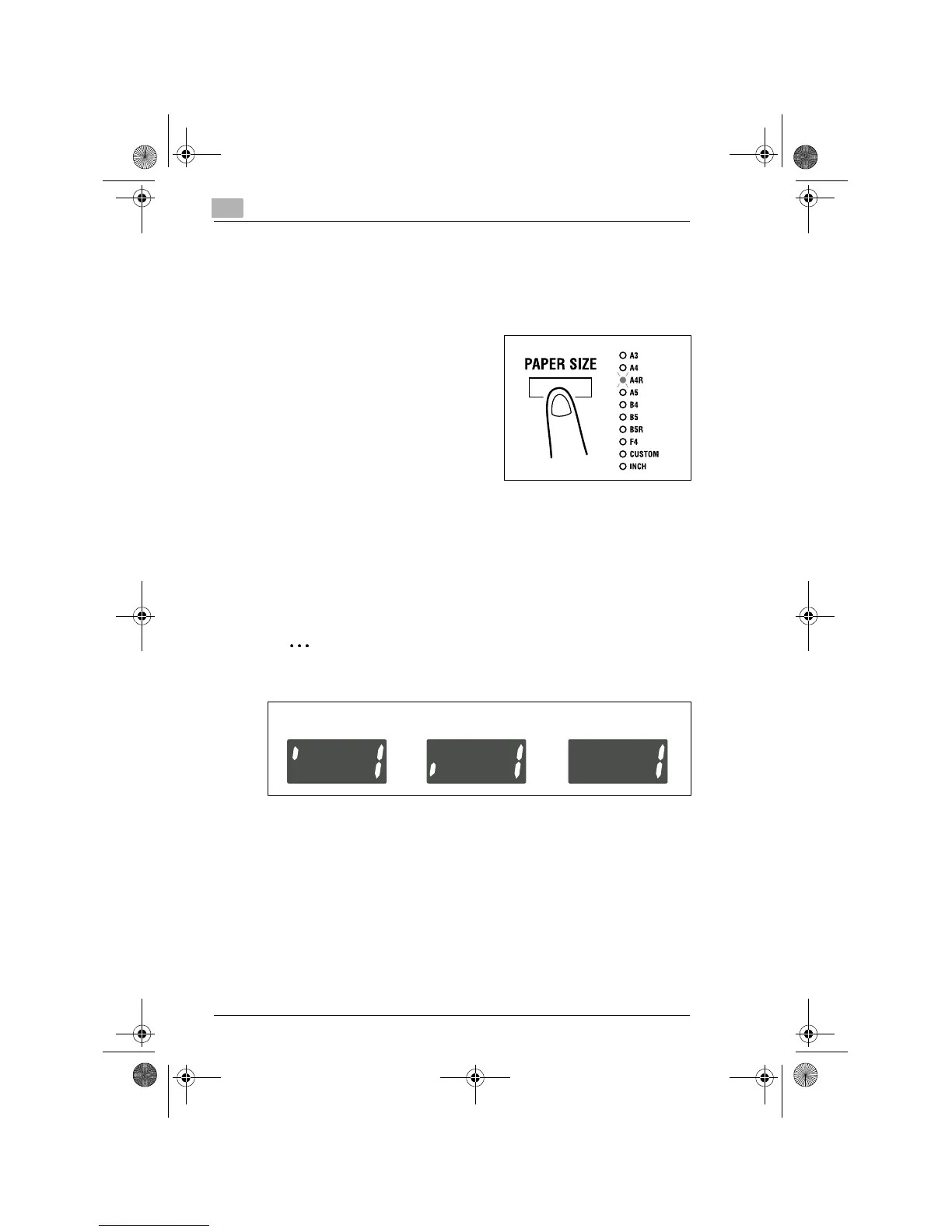
Press the [PAPER SIZE] key on the
control panel until the desired paper
size indicator lights.
3
Make the other necessary settings.
❍
Zoom Ratio (p.5-11)
❍
Image Density (p.5-16)
4
Enter the number of copies to be made from the Key Pad and press
the [START] key.
✎
Tip
The Display shows different marks according to the type of paper set
by selecting User’s Choice. Details:
If plain paper is set in User’s Choice, the “
1
” mark will not be displayed
even if cards or postcards, or OHP transparencies, are loaded in the
tray.
OHP transparencies
Cards and postcards
Plain paper
Konica7115_7118.book Page 4 Tuesday, October 16, 2001 10:51 AM



 To Next Page