Loading a Document to be Copied 3-29
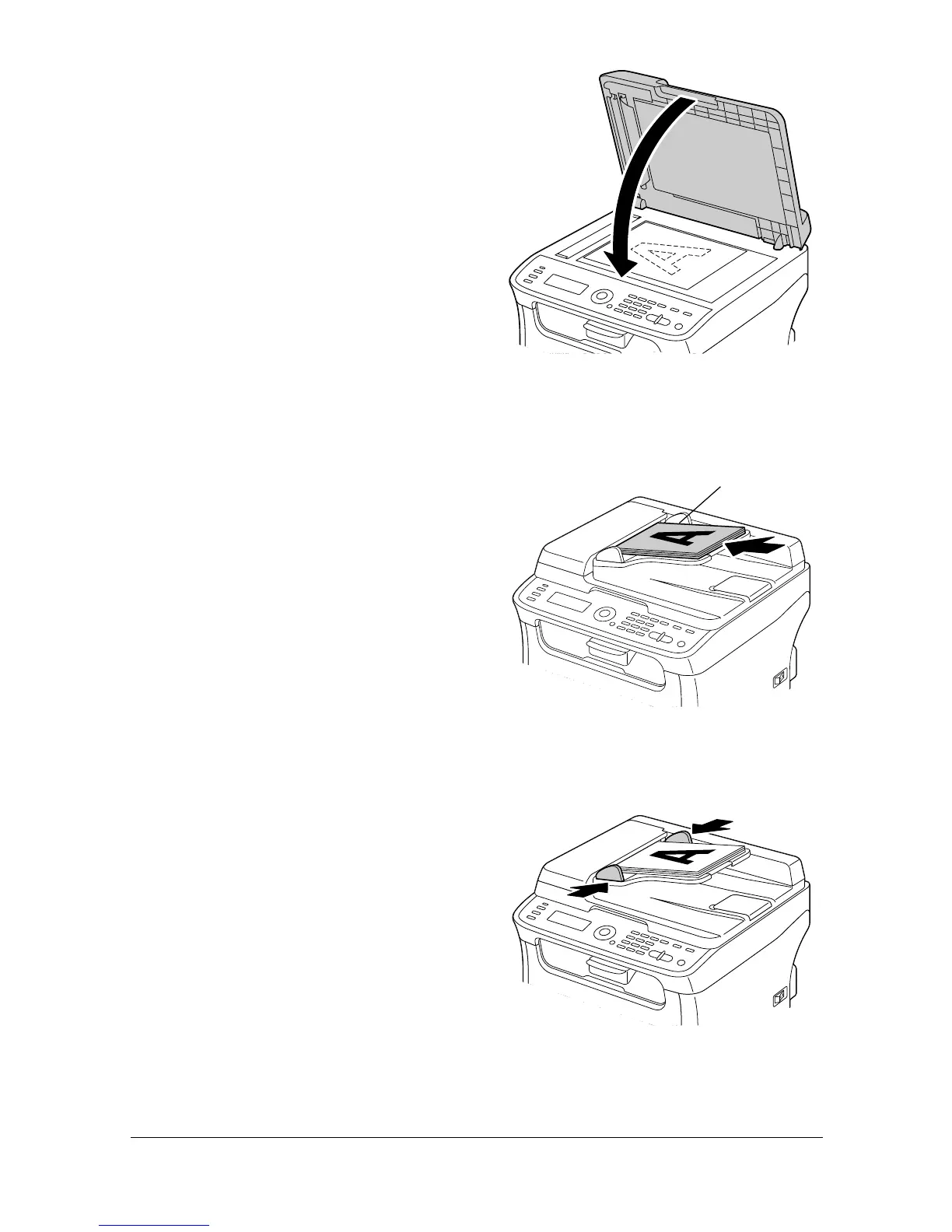
3 Gently close the ADF cover.
Loading a document into the ADF
1 Put the document into the ADF
document feed tray face up.
" Before loading a docu-
ment into the ADF, check
that no document pages
remain on the original
glass.
" Load the document
pages so that the top of
the document is toward
the back or the right side
of the machine.
2 Adjust the document guides to
the document size.
" For details on copying the loaded document, refer to “Using the
Copier” on page 5-1. For details on scanning, refer to
“Using the Scanner” on page 6-1.
Document








 To Next Page