About the Control Panel 2-5
Display Indications
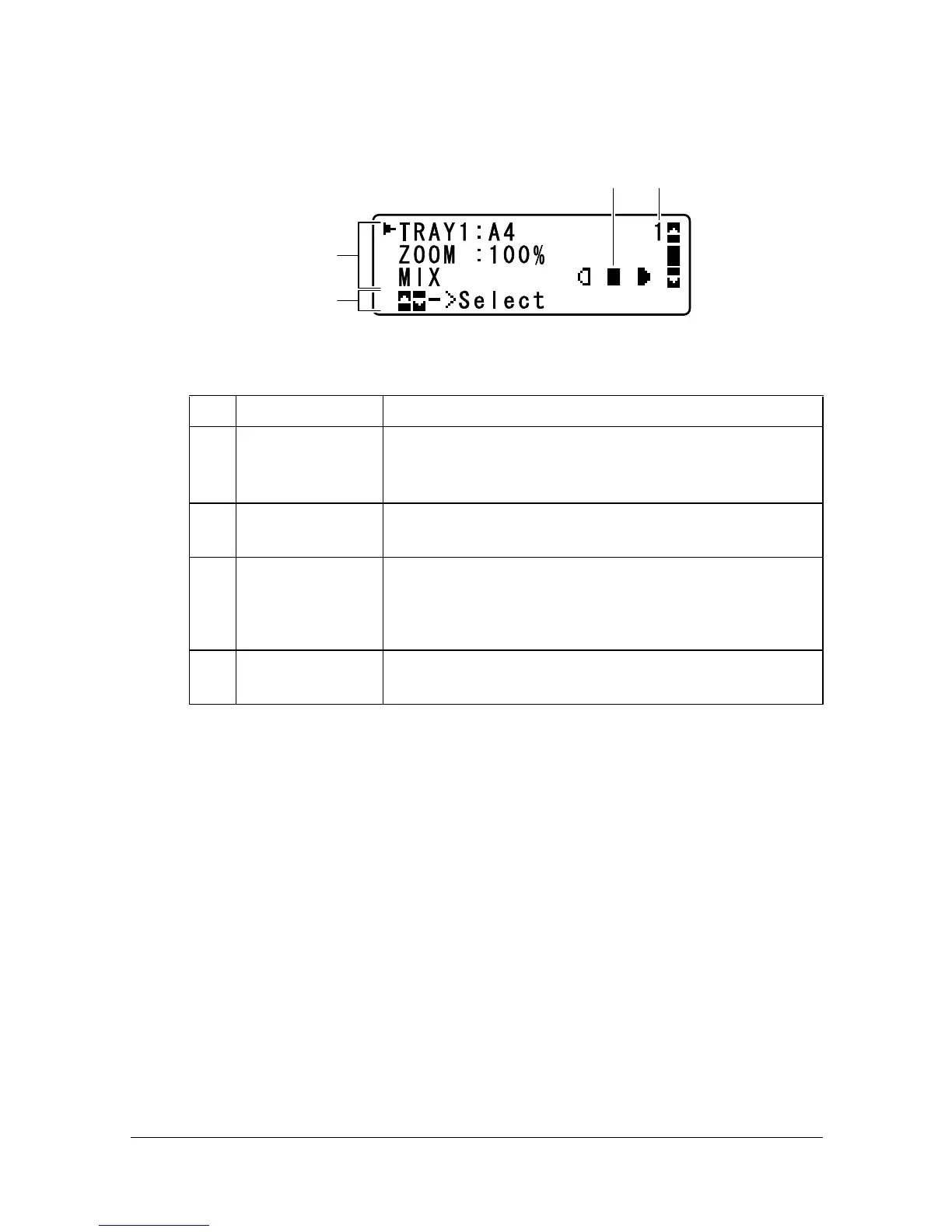
Main Screen (Copy Mode)
No. Indication Description
1 Copy settings Allows the current settings to be checked and the
various settings to be changed. For details, refer to
“Copy settings” on page 2-6.
2 Status Depending on the situation, the machine status or an
error message may appear.
3 Copy density Indicates the copy density.
AUTO appears when DENSITY is set to AUTO and
the
TEXT copy mode is selected.
4 Number of
copies
Indicates the number of copies.
3 4
1
2















 To Next Page