22
2
01 / 2020 © 2020 KOSTAL Solar Electric GmbH
Device and system description
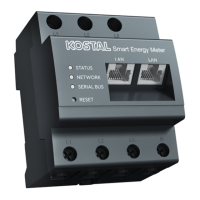
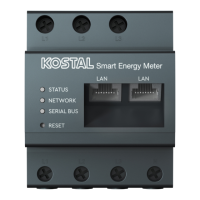
The LEDs inform the user of the status of the KOSTAL
Smart Energy Meter.
The following statuses are indicated:
Status LED
Col-
our
State Description
Orange On (<10 s)
Device starts
Green Flashes slowly
Green On Device ready
Green Flashes quickly Firmware update active
Red On
Error – see “Troubleshooting” sectionRed Flashes
Orange On (>10 s)
Orange Flashes 2 x Confirmation that the network settings or
online interface password have been reset
using the reset button
Network LED
Col-
our
State Description
- O No connection
Green On Network connection is being established
Green Flashes Network connection is active
Serial bus LED
Col-
our
State Description
- O No connection
Green Flashes quickly Connection active
Green Flashes slowly Scan process active
Red On Error - overload at 9 V output VCC
Orange Flashes Error – receiver not responding
2.3 LED statuses


 To Next Page