91
5
© 2020 KOSTAL Solar Electric GmbH
Webserver
5.2 Error messages / displays
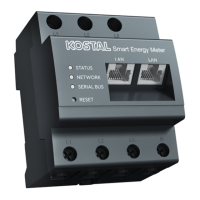
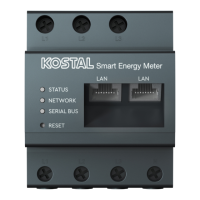
Status LED is not lighting up
The KOSTAL Smart Energy Meter is not connected to
the power supply.
n
Ensure that at least the external wire L1 and neutral
wire N are connected to the KOSTAL Smart Energy
Meter.
Status LED is lighting up or flashing red
There is an error.
n
Restart KOSTAL Smart Energy Meter.
Use a pointed object to press the Reset button for at
least 6s.
n
Please contact your service technician or installer.
Network LED is not lighting up or the
KOSTAL Smart Energy Meter is not be-
ing found in the network
The network cable is not correctly connected to the grid
connection.
n
Ensure that the network cable is correctly connected
to the grid connection.
The KOSTAL Smart Energy Meter is not in the same local
network.
n
Connect KOSTAL Smart Energy Meter with the same
router / switch.
Serial bus LED is lighting up red or flashing orange
In the user interface check whether there are any error
messages about communication with the receiver.
n
If necessary, check cabling to receiver.


 To Next Page