95
5
© 2020 KOSTAL Solar Electric GmbH
Webserver
5.5 Change password
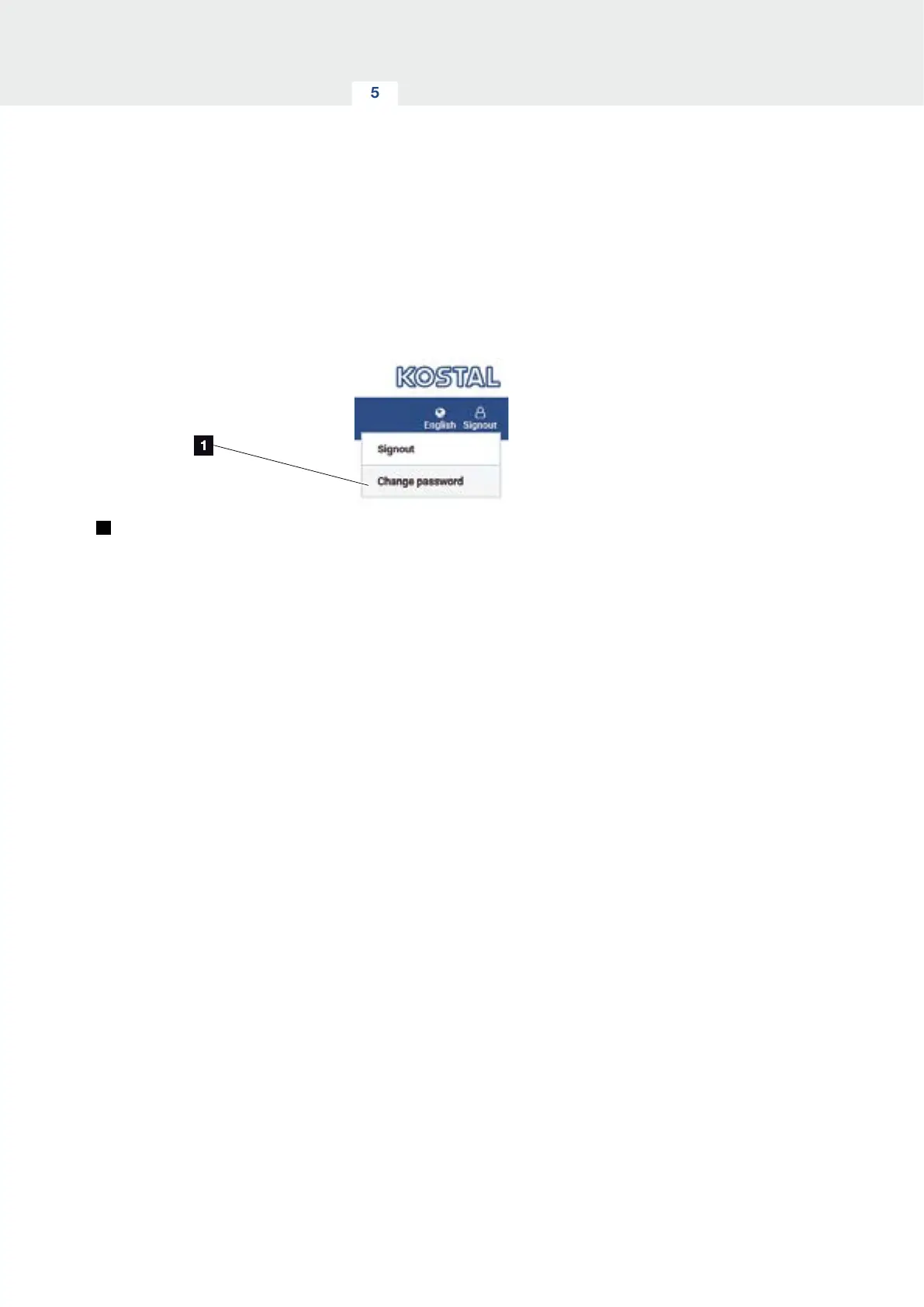
The password can be changed by going to the following
menu item.
1
Change password
1. Call up “Change password” under the “Log out”
menu item.
2. Start by entering the current password.
3. Enter the new password. This must contain at least
8 letters and a mixture of upper- and lower-case
letters.
4. Enter the password again under “Confirm”.
5. Confirm the input by selecting “Send”.
H
You have changed your password.


 To Next Page