94
5
© 2020 KOSTAL Solar Electric GmbH
Webserver
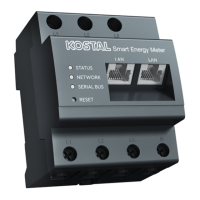
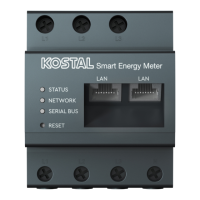
This menu item can be used to load a new device firm-
ware for the KOSTAL Smart Energy Meter.
Do this by performing the following steps:
1. Download the current firmware from our website by
going to Download > Accessories > KOSTAL Smart
Energy Meter.
2. Use the “Browse” button to select the file on your
PC.
3. Press "Update" to start the update.
4. Once a prompt has been accepted, the new firm-
ware is uploaded and installed on the KOSTAL Smart
Energy Meter.
P
Finally the KOSTAL Smart Energy Meter is restarted.
This process may take several minutes. The website
then has to be reloaded.
H
The software is installed.
5.4 Updating device firmware


 To Next Page