4. Select the Configuration tab and upload the provisioning file you downloaded from
Kramer Control (if the Brain is offline) or enter the Kramer Control code if it is online.
Figure9: The Brain Info page’s Configuration tab
5. After a provisioning file’s details are entered, the Save button is enabled.
Select the Diagnostics tab to view the live logs and events for the Brain.
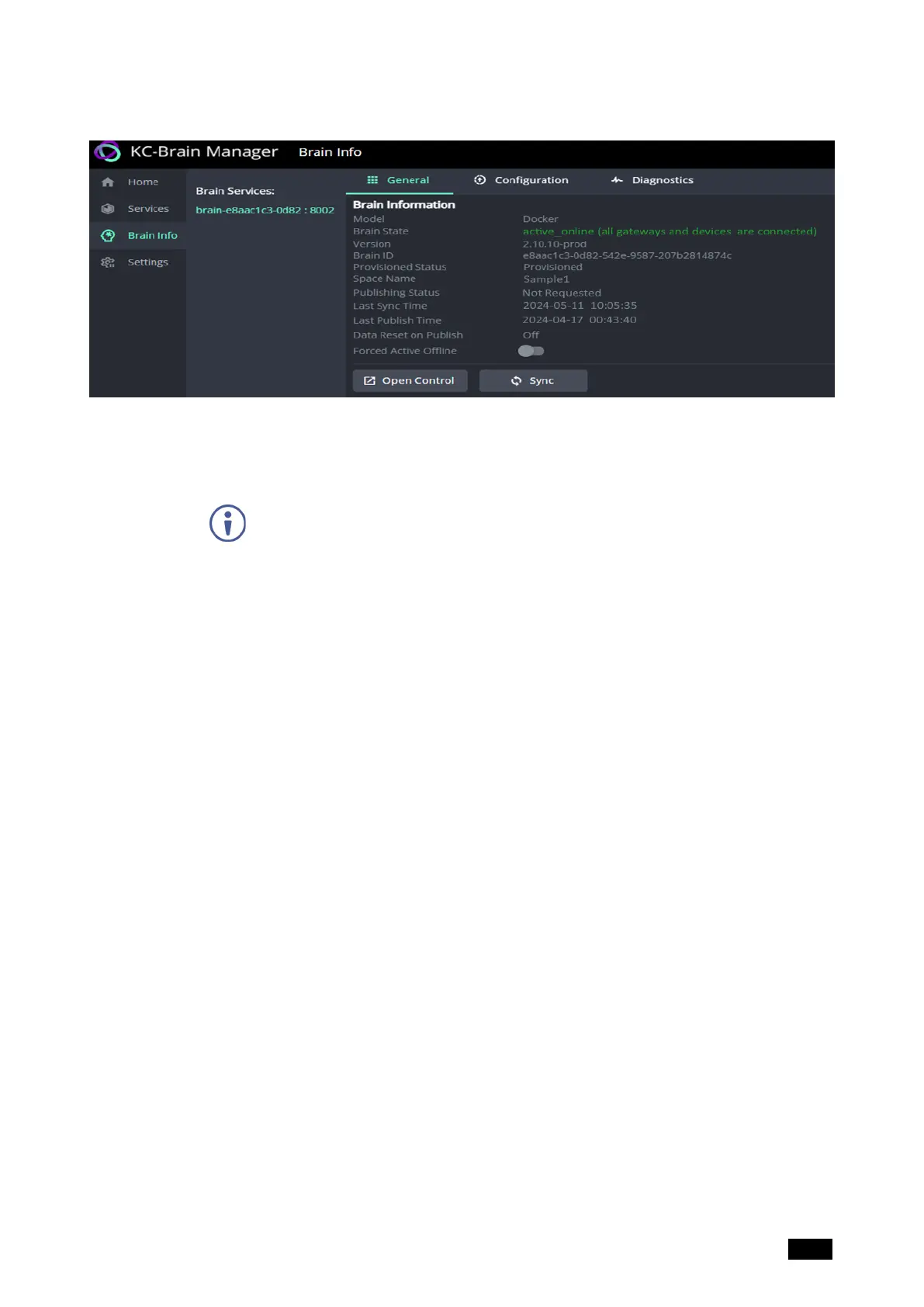
6. After the Brain is provisioned, select the General tab and then click Open Control
to connect with Kramer Control.
Kramer Electronics Ltd.
KC-Virtual Brain1 - Essential First Steps 15



 To Next Page