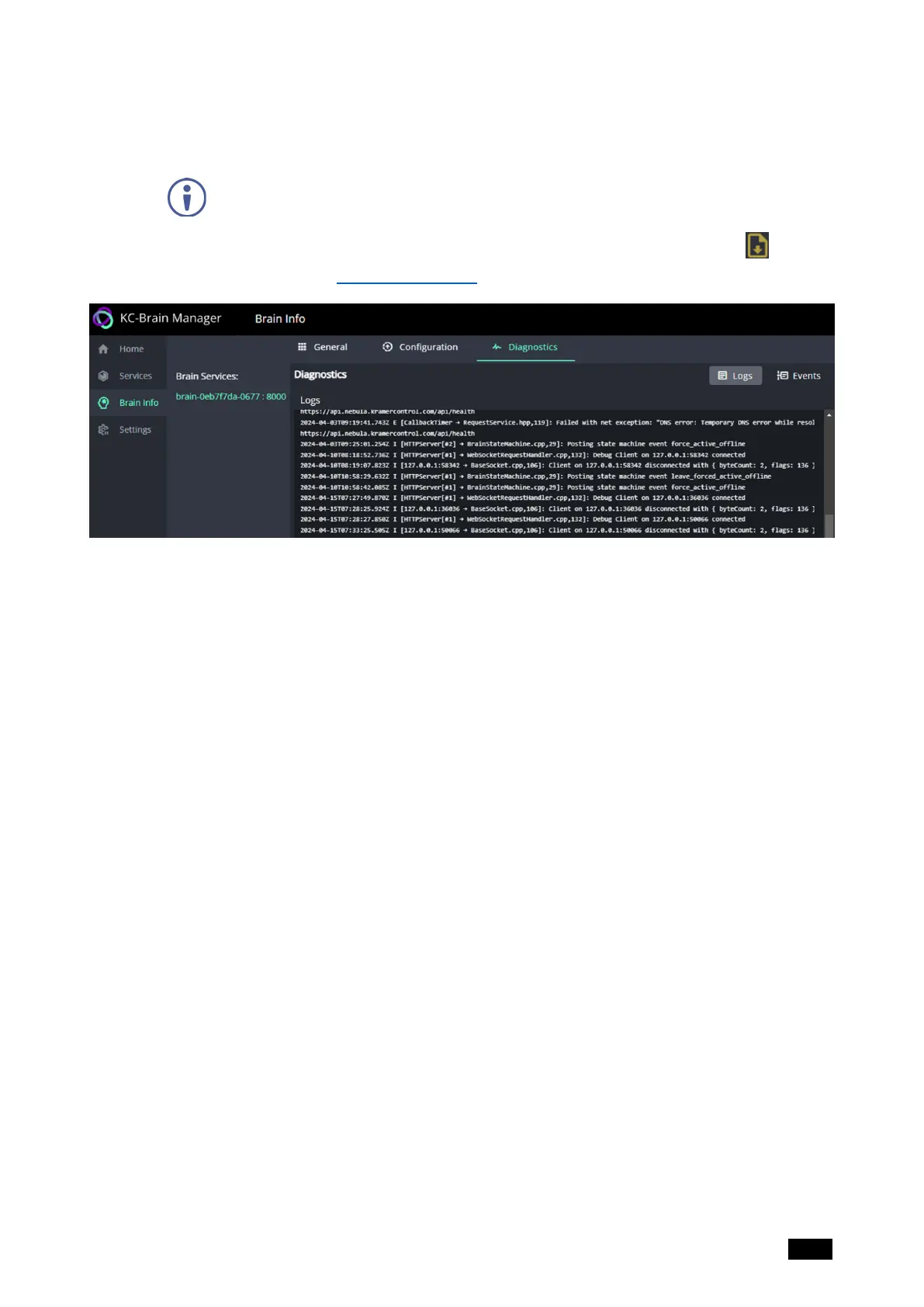
Brain Info – Diagnostics tab
The Diagnostics tab can be used to view the Brain’s logs and the events that it has
handled.
In the Brain Info page, a Brain must be selected in the Brain Services column
before the tabs are displayed.
To view the logs offline, go to the Services page and click the logs download icon .
For more information see The Services page.
Figure16: The Brain Info page’s Diagnostics tab
Kramer Electronics Ltd.
KC-Virtual Brain1 - The Management Pages 22



 To Next Page