Changing Ethernet Settings
To change Ethernet parameters:
1. In the Navigation pane, click Device Settings. The Device Settings page appears (see
Figure 18):
2. Check/uncheck the DHCP box ON or OFF (default).
When DHCP is checked, Static IP Address, gateway and Subnet are disabled.
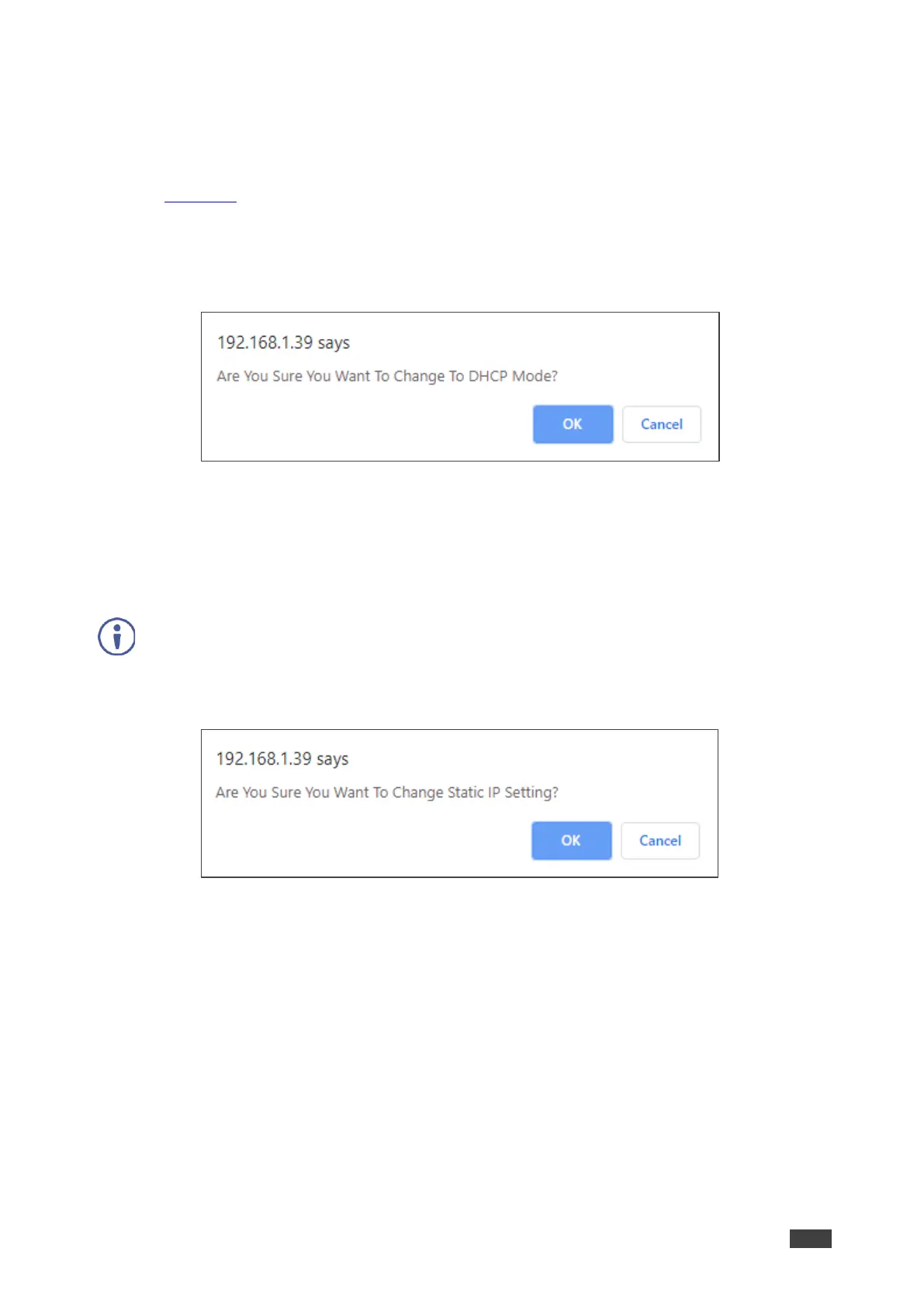
3. Click Set changes. The following message appears.
Figure 19: Device Settings Page – Changing DHCP Mode
4. Click OK.
5. If DHCP is OFF, change any of the parameters (IP Address, Netmask and/or Gateway).
6. Click Set Changes.
• After changing the IP Address, or DHCP to ON, the webpage reloads with the new IP
address.
• After changing the Subnet mask, turn the VP-551X power off and then on again.
Any change in the device settings requires confirmation.
Figure 20: Device Settings Page – Static IP Confirmation
7. Click OK.
Ethernet parameters are changed.


 To Next Page