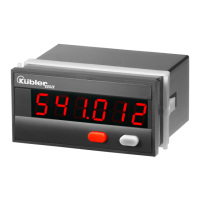
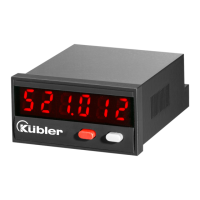
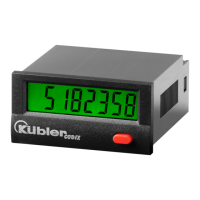
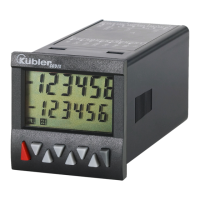
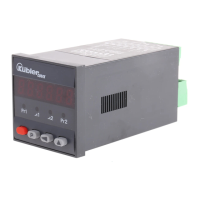
x Input modes:
Pulse counter: cnt.dir, up.dn, up.up, quad, quad2,
quad4, A/B, (A-B)/Ax100%
Frequency meter: A, A – B, A + B, quad, A/B,
(A-B)/Ax100%
Timer: FrErun, Auto, InpA.InpB, InpB.InpB
x Output operations:
Add, Sub, AddAr, SubAr, AddBat, SubBat,
AddTot, SubTot, Trail, TrailAr
x 4-stage RESET mode
x 3-stage keypad locking (Lock)
x MPI input for Display Latch, Teach-In or Set
function
x Supply voltage 90 .. 260 VAC or
10 .. 30 VDC
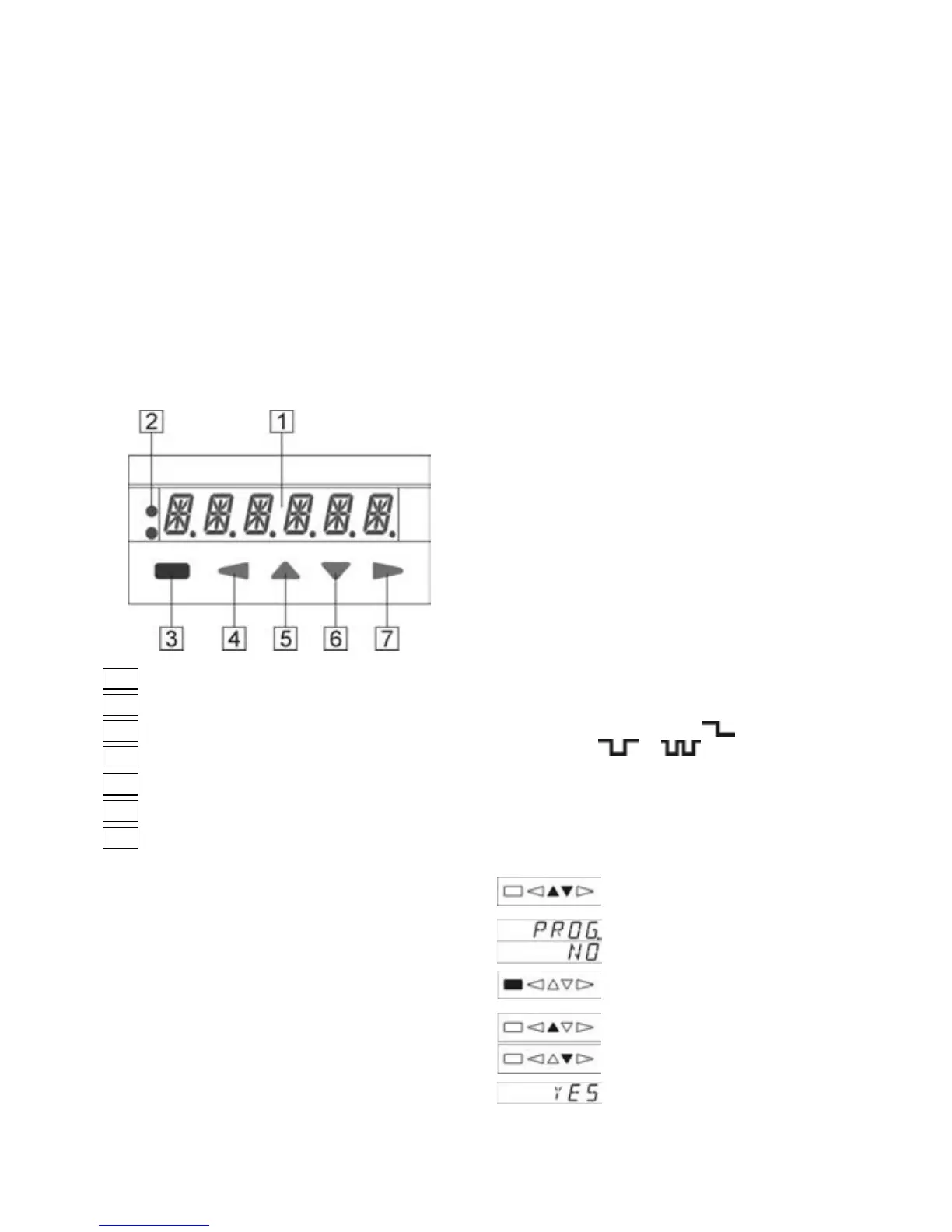
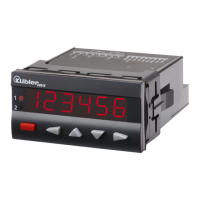
4 Display/Operating elements
1
6-digit LED display
2
Status display LED1 / LED2
3
RESET key / ENTER key
4 Key LEFT
5 Key UP
6 Key DOWN
7 Key RIGHT
5 Inputs
5.1 INP A, INP B
Signal inputs: function acc to operating mode.
Max. frequency 60 kHz, can be damped in the
programming menu to 30 Hz.
Pulse counter: Count inputs
Frequency meter: Frequency inputs
Timer: Start input or
Start/Stop inputs
5.2 RESET
Dynamic reset input: resets the pulse counter or
timer to zero (‘Add’ output operations) or to preset
value 2 (‘Sub’ output operations). The reset input
can be inhibited in the programming menu.
Pulse counter: RESET input
Frequency meter: no function
Timer: RESET input
5.3 GATE
Static gate input: function dependent on operating
mode.
Pulse counter: no counting while active
Frequency meter: no counting while active
Timer: no time measurement while
active
5.4 LOC.INP
Static keypad lock input for preset or programming.
Lock-out level can be set in the programming
menu.
5.5 MPI 1 / MPI 2
User Input. Programmable as Display Latch, Set or
Teach-In input.
6 Outputs
6.1 Output 1 / Output 2
Relays with potential-free changeover contacts.
6.2 Active Outputs
LED1 and LED2 indicate an active output.
For safety switching the relays can be inverted, i.e.
the relays will be de-energized when the presets
are reached. To do this, the parameters Pr.OUT1
and Pr. OUT2 must be set to
(for permanent
signal) and to
or (for timed signal).
7 Programming
7.1 Entering the programming
Simultaneously press the UP key
and the DOWN key for 3 sec.
The security prompt appears
alternately in the display
Programming can be exited
again using the ENTER key.
P
re
ss the UP key or DOWN key
to continue with the
programming.
The security prompt YES
a
pp
ears in the display


 To Next Page