110 LIST OF SCREENS
7
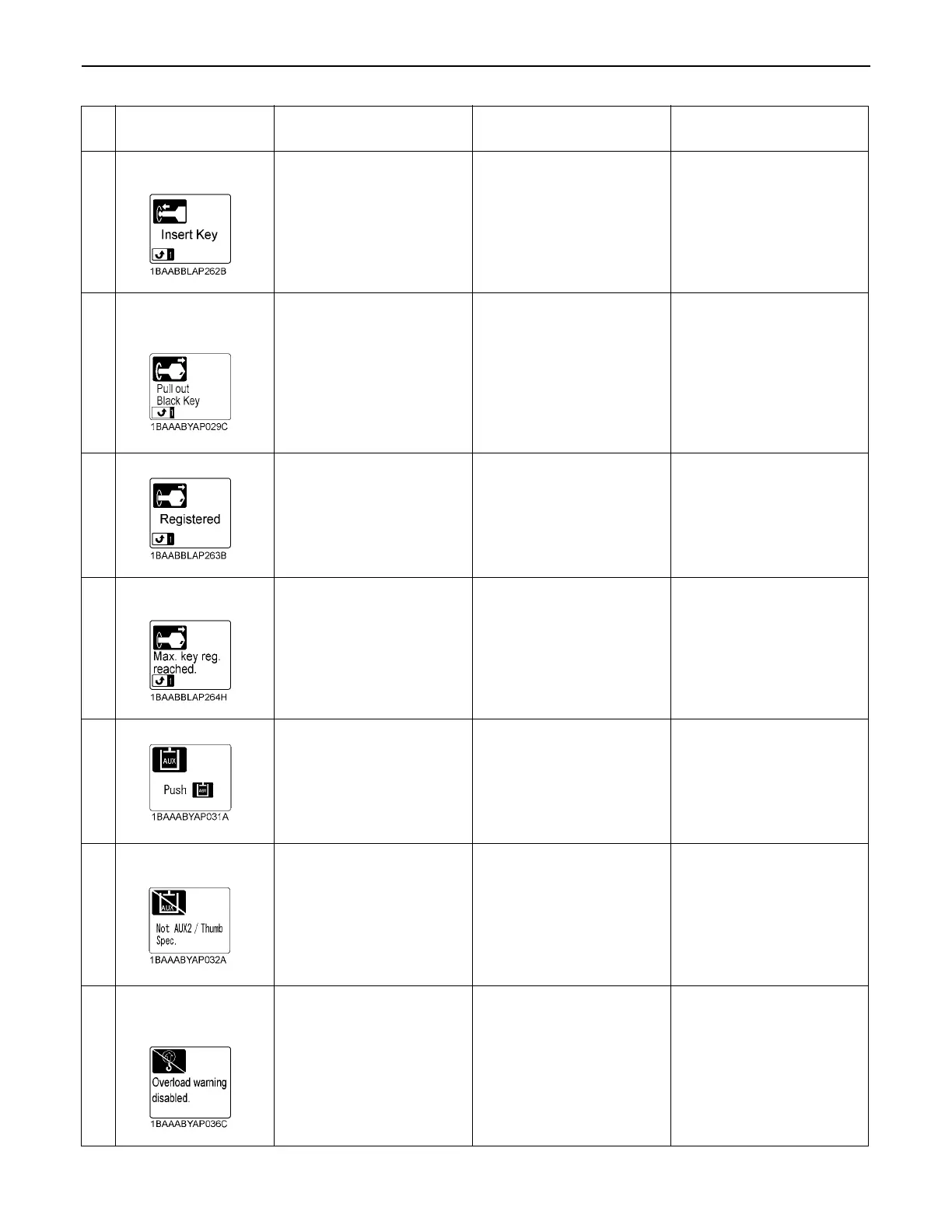
Insert the register keys
sequentially.
This message appears when
the anti-theft setting keys are
ready to register.
Insert the register keys
sequentially.To interrupt the
registering procedure, press
Switch 1.
-
8
Registering complete.
Draw out the black
key.
This message appears when
the black key has been
successfully registered.
Draw out the black key. -
9
Already registered
This message appears if a
registered key is tried to get
registered again.
Draw out the key and insert
an unregistered key.
-
10
No more keys can be
registered.
This message appears if the
number of registered keys
has exceeded their limit.
No more keys can be
registered.
-
11
Press Switch 3.
This message appears if the
AUX function is tried without
pressing the AUX port
enable switch.
Press the AUX port enable
switch.
-
12
Not equipped with
AUX2/Thumb function
The AUX2 port is tried on
machines not equipped with
AUX2 function.
--
13
Not equipped with
overload warning
function
This message appears if the
overload warning switch is
pressed on machines not
equipped with overload
warning system.
--
No.
Message
Problem or failure
(What happened)
Machine behavior
(Provisional measure)
Correction



 To Next Page