CHECKS BEFORE START24
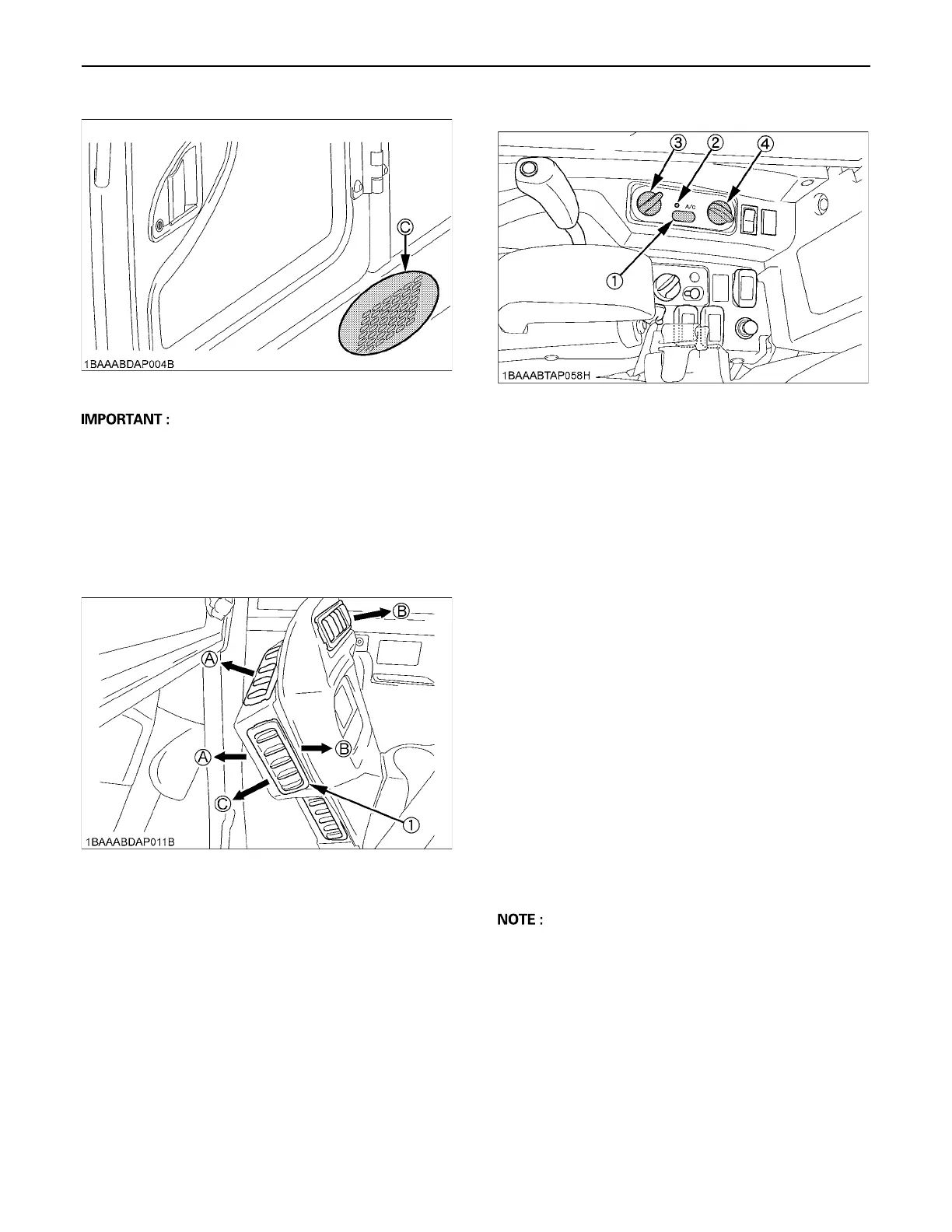
A Do not allow water to enter the fresh air port while
washing the excavator.
BAir Control Vent
C Front air outlet
The front air outlets can be independently adjusted as
required. To defrost the windshield, rotate the outlets
toward the windshield.
BControl Panel
C Air Conditioner Switch and Indicator Light
Push this switch to activate the air conditioner. An
indicator light will light up when the switch is set to "ON".
Push switch again to turn air conditioner off, the indicator
light will go off.
C Temperature Control Dial
Set this dial at the desired position to obtain the desired
air temperature. Turn the dial to the right to obtain cooler
air. Turn it to the left to obtain warmer air.
C Blower Switch
Air volume can be changed in three steps. At the "3"
position, the largest air volume is obtained.
BOperation
C Heating
1. Adjust the blower (1/2/3) switch and the temperature
control dial to achieve the desired temperature level.
C Dehumidifying-heating
1. Press and turn on the air-conditioner switch.
2. Turn on the blower (1/2/3) switch.
3. Adjust the temperature control dial to the "COOL" or
an intermediate position to achieve the desired
temperature level.
A Be sure to close the door while the air conditioner is
ON otherwise, you may overload the compressor.
C Cooling
1. Press and turn on the air-conditioner switch.
2. Turn on the blower (1/2/3) switch.
3. Adjust the temperature control dial to the "COOL" or
an intermediate position to achieve the desired
temperature level.
(C) "FRESH AIR INLET"
(1) Front air outlet (A) "FRONT WINDOW"
(B) "CLOSED"
(C) "FOOT AREA"
(1) Air conditioner switch
(2) Indicator light
(3) Temperature control dial
(4) Blower switch


 To Next Page