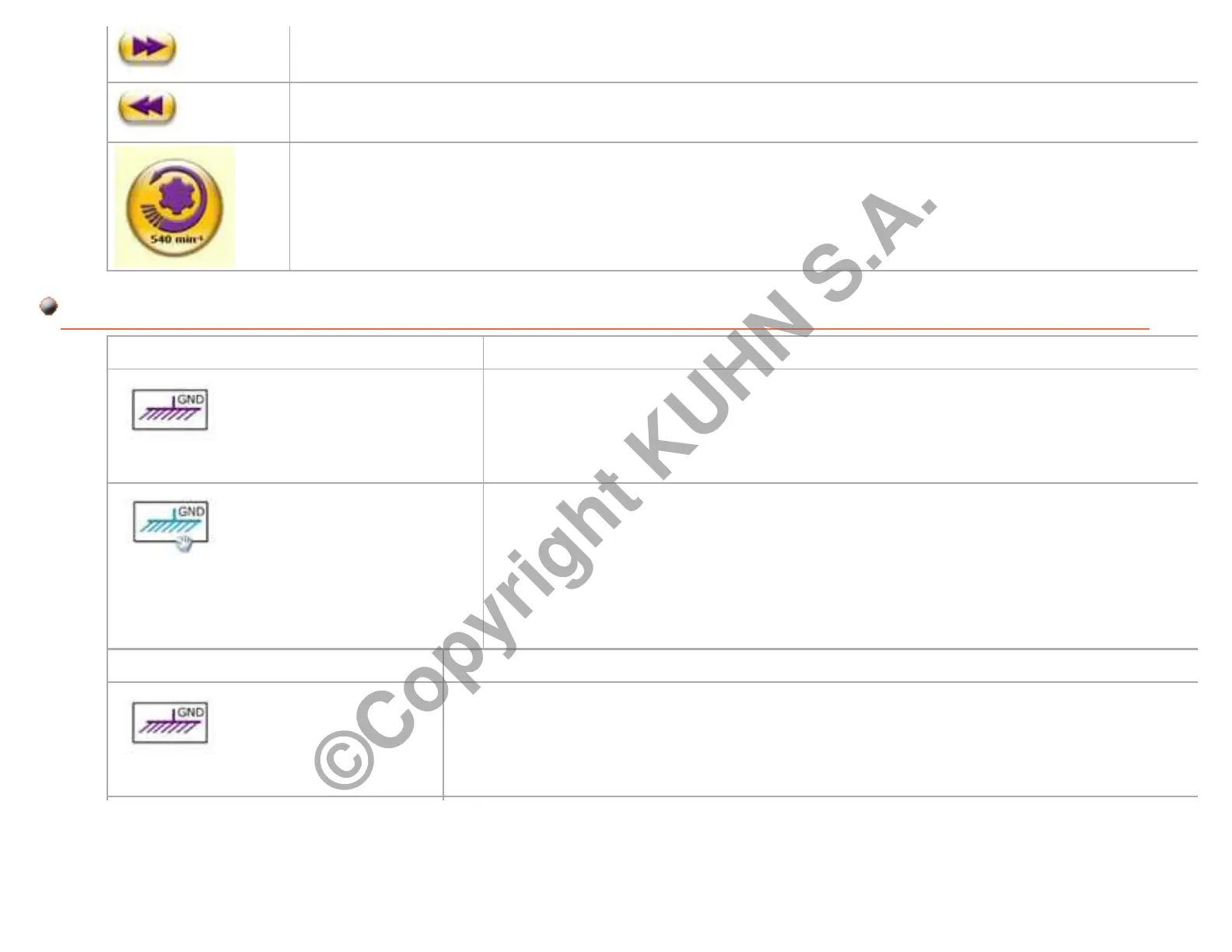
Click on the Forward button to go to the next stage of the animation.
Click on Return button to go to the previous stage of the animation.
Click on PTO button to launch an action.
Link Example: Mass symbol
Links are always displayed in purple color.
The purple color indicates that it is a clickable link.
When browsing:
The mouse pointer changes into a hand.
The link purple symbol becomes blue.
The blue color indicates that the link is active.
Example: Mass symbol
Click on the Mass link to launch a stage of the animation.
Page 85/95Printing date : 06-02-2014 GMD44_760001_xxxxxx
©Copyright KUHN S.A.


 To Next Page