Description of symbols used in the animation
Information on the electrical part
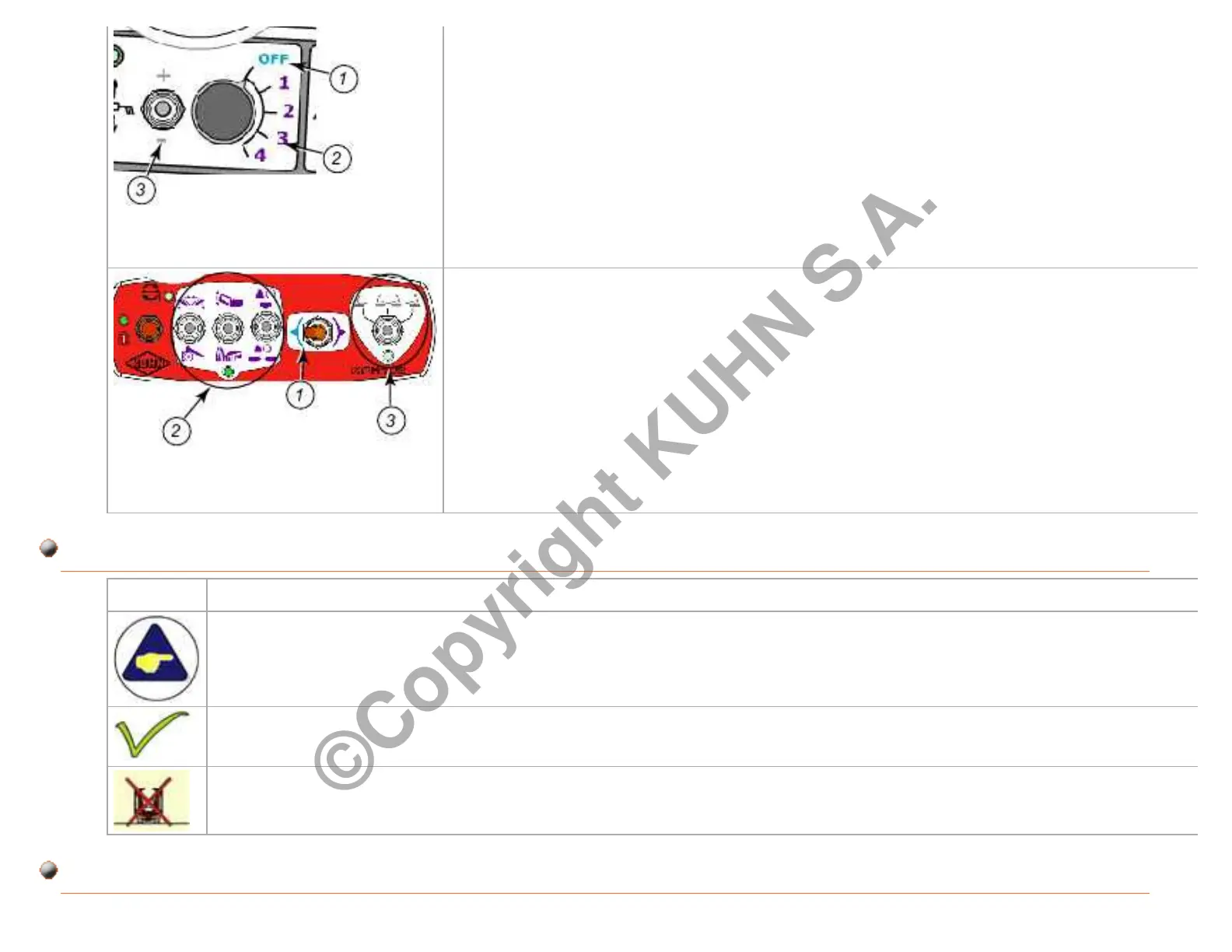
Example: Select button
(1): The blue color indicates the current button position. The purple links are
clickable
(2): The purple links are clickable.
(3): The grey link is inactive and non clickable.
Example: Control box area selector
(1): The color blue indicates the current position of the control box area
selector. The purple links are clickable
(2): The purple area links (2) are clickable.
(3): The links of area (3) are grey and inactive.
This symbol is used to identify special instructions or procedures which, if not followed strictly, could
result in machinery damage.
This symbol is used to validate technical information.
This symbol is used to indicate an inoperable condition. The cross flashes.
Page 86/95Printing date : 06-02-2014 GMD44_760001_xxxxxx
©Copyright KUHN S.A.



 To Next Page