3-29
Preparation before Use > Preparation for Sending a Document to a Shared Folder in a PC
5
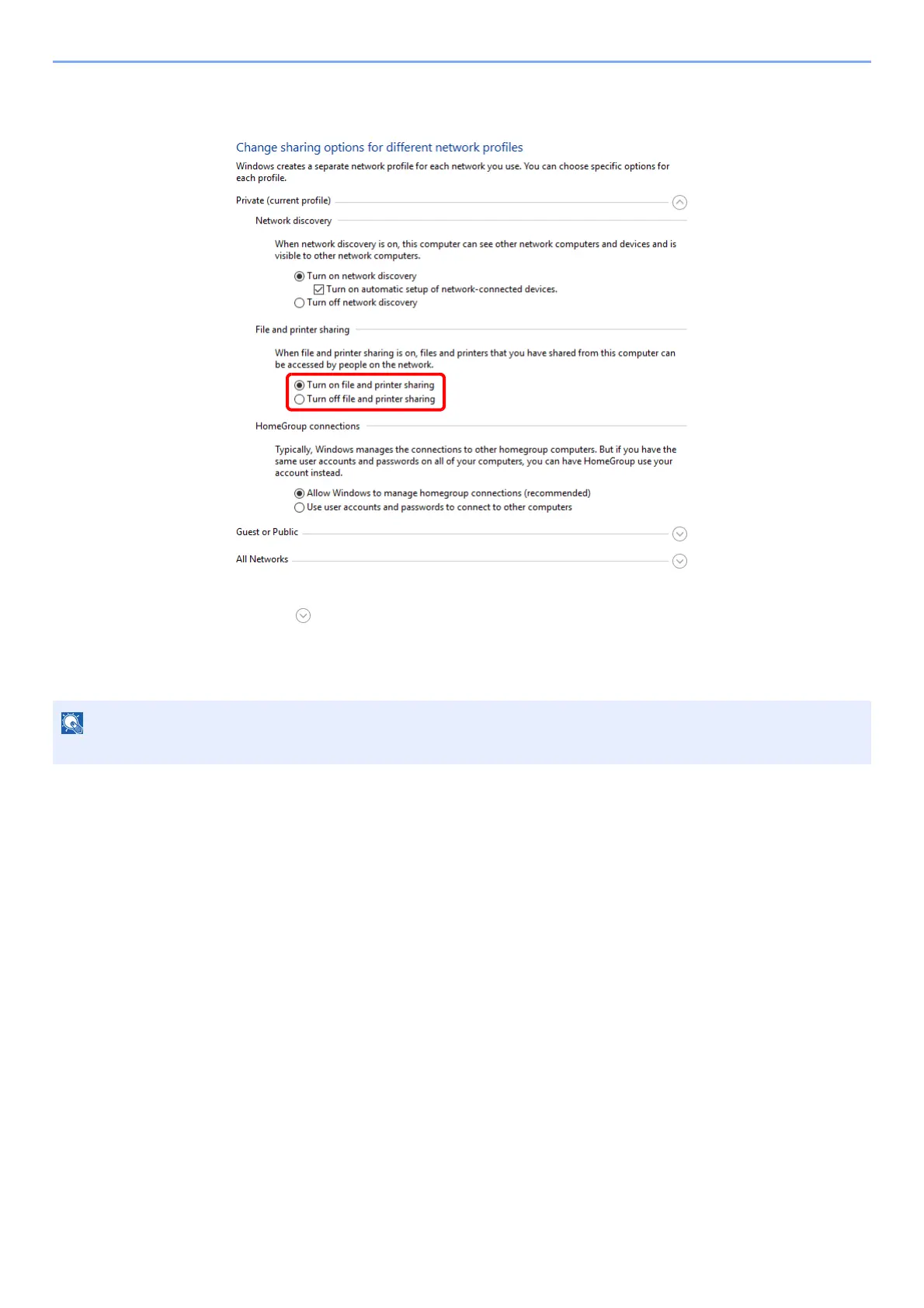
Select [Turn on file and printer sharing] in [File and printer
sharing].
6
Click [ ] of [All Networks] and select [Turn off password-
protected sharing] in [Password-protected sharing].
It is recommended to set a password for the user account. (Regarding security, ask your network administrator.)


 To Next Page
 Loading...