EasyManua.ls Logo

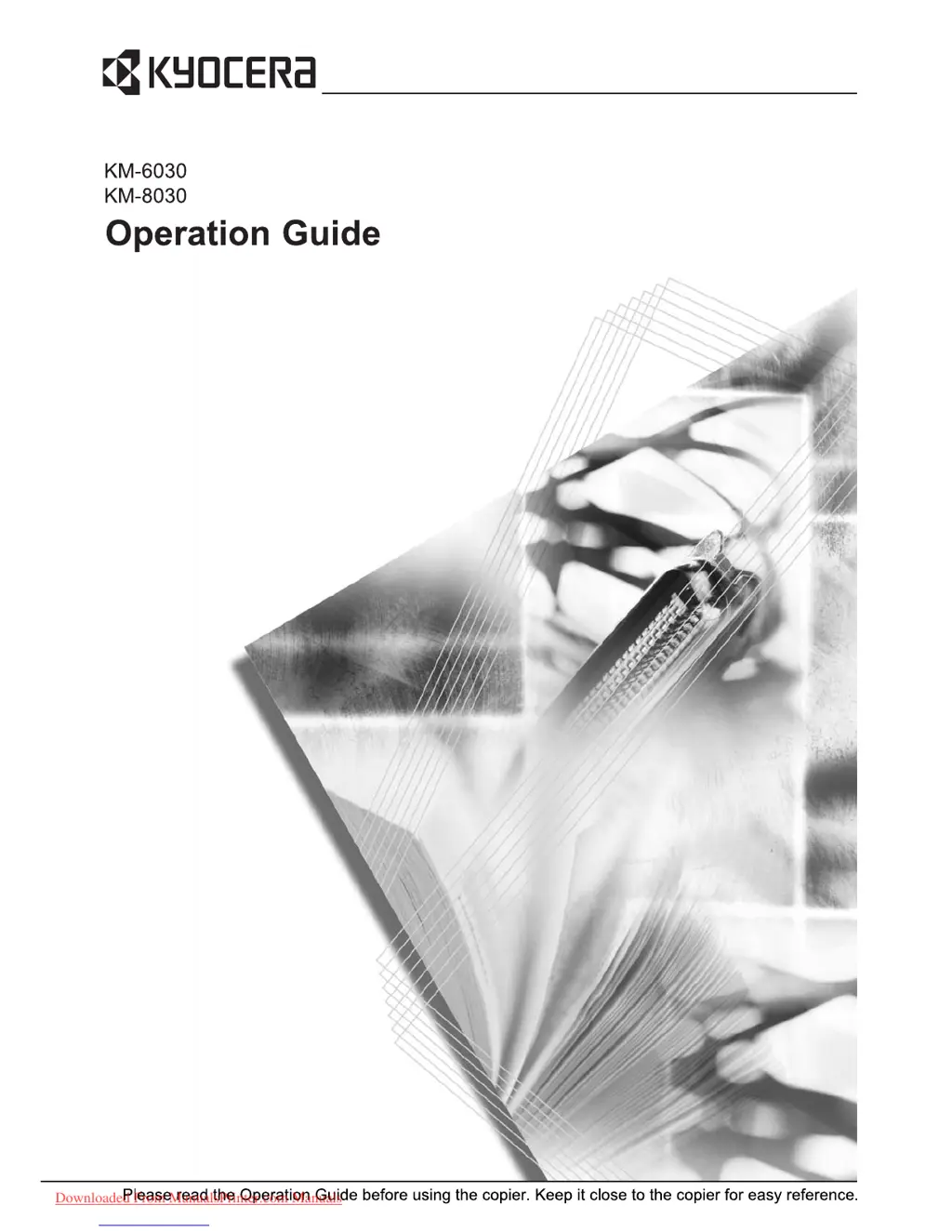
Kyocera KM-6030 - User Manual

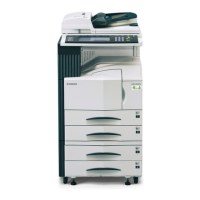
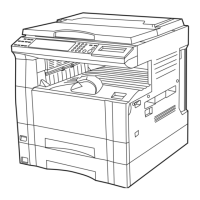
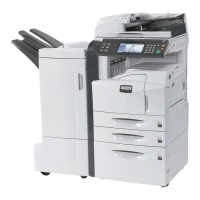
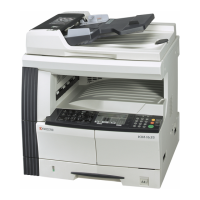
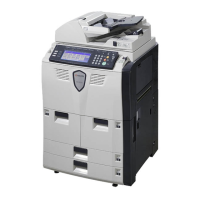
Kyocera KM-6030
124 pages
Print Icon
To Next Page IconTo Next Page
Loading...
Downloaded From ManualsPrinter.com Manuals

Other manuals for Kyocera KM-6030

Questions and Answers

  • J
    Jennifer CohenJul 30, 2025
    Why does my Kyocera Printer Accessories paper often jam?
    • K
      Kelli KaneJul 30, 2025
      If your Kyocera Printer Accessories often experience paper jams, make sure the paper is loaded properly. Also, check if the paper type is supported and in good condition; if not, turn the paper over or replace it. Ensure that the paper isn't curled, folded, or wrinkled, and remove any loose scraps or jammed paper from the side feeder.
  • B
    Brianna FosterAug 4, 2025
    What to do if Kyocera Printer Accessories display 'Paper misfeed. Remove paper'?
    • M
      maryparkerAug 4, 2025
      If your Kyocera Printer Accessories display a 'Paper misfeed' message, leaving the copier on, follow the instructions on the touch panel to carefully remove the jammed paper.
  • G
    goodmanderrickAug 9, 2025
    What to do if Kyocera Printer Accessories display 'Check the side feeder. Paper capacity exceeded'?
    • N
      Nicole BarnettAug 9, 2025
      If your Kyocera Printer Accessories show 'Check the side feeder. Paper capacity exceeded', it means the side feeder has too much paper. Remove some paper to be below the maximum capacity.
  • P
    patrick81Aug 14, 2025
    How to fix 'Reset Side Paper Deck' error on Kyocera Printer Accessories?
    • T
      teresa47Aug 14, 2025
      If your Kyocera Printer Accessories display 'Reset Side Paper Deck', ensure that the side feeder is securely installed on the copier.
  • J
    Justin MccarthyAug 19, 2025
    What to do if Kyocera Printer Accessories display 'Add paper in drawer 5'?
    • J
      Joseph TannerAug 19, 2025
      If your Kyocera Printer Accessories indicate 'Add paper in drawer 5', it means that cassette 5 is out of paper. Simply load paper into the cassette.
  • C
    collinsdeniseAug 25, 2025
    What to do if Kyocera Printer Accessories display 'Side Paper Deck is out of order'?
    • J
      Jonathan LarsonAug 25, 2025
      If your Kyocera Printer Accessories display 'Side Paper Deck is out of order', the side feeder is malfunctioning. Contact your Service Representative or Authorized Service Center promptly. To continue copying, use the other cassette.

Summary

Legal and Safety Information

Safety Conventions and Symbols

Explains safety symbols and warnings for safe operation.

Power Disconnection Safety

Power Disconnection Safety Instructions

Critical safety advice on disconnecting power and electrical safety.

Preparing to Copy

Loading Paper into Trays

Instructions for loading paper into the four cassettes, MP tray, and optional side feeder.

Specifying Paper Type and Size

Configuring paper type and size for cassettes and MP tray for correct copying.

Loading Originals

Guides for loading documents into the document processor and on the platen.

Basic Operation

Basic Copying Procedures

Step-by-step instructions for performing standard copy jobs.

Duplex Mode for Two-Sided Copies

Creating two-sided copies from various original types.

Maintenance

Cleaning the Copier

Procedures for cleaning the document processor, platen, and slit glass for optimal quality.

Replacing Toner Container

Step-by-step guide for replacing the toner cartridge when it's empty.

Troubleshooting

Solving Common Malfunctions

Table of symptoms, checkpoints, and corrective actions for copier problems.

Responding to Error Messages

Guidance for interpreting and resolving on-screen error messages.

Clearing Paper Jams

Detailed instructions for removing jammed paper from various locations.

Kyocera KM-6030 Specifications

General IconGeneral
Grayscale Half-Tones256
Automatic DuplexingYes
FunctionsCopier, printer, scanner
Max Original SizeA3
Copying Speed60 ppm
Printing Speed (Black)60 ppm
Printing Speed (Color)60 ppm
Warm-Up Time30 seconds
Supported Media TypeEnvelopes, plain paper, recycled paper
Supported Media SizesA3, A4, A5, B4, B5
InterfaceUSB, Ethernet
Voltage RequiredAC 220 V
Fax Speed33.6 kbps
Scanner TypeFlatbed

Related product manuals