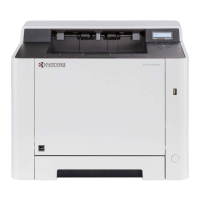
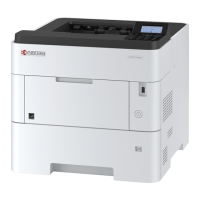
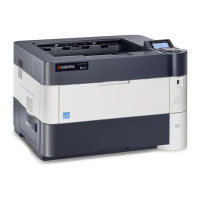
2RV/2RW/2RX/2RY/3RA
2-6
(4) Connecting to the cable
(4-1) LAN Cable
1. Connect the LAN cable to the network interface connector.
2. Connect the other end of the cable to the hub or the PC.
3. Power on the machine and set the network.
(4-2)USB cable
1. Connect the USB cable to the USB interface connector.
2. Connect the other end of the cable to the PC.
3. Turn the power switch of the main unit on.



 To Next Page
 Loading...