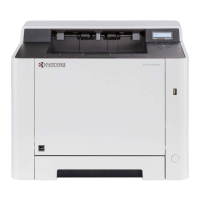
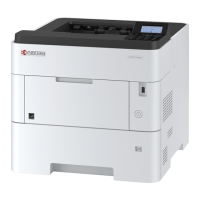
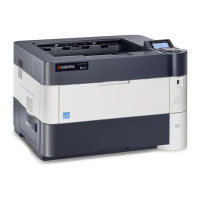
2RV/2RW/2RX/2RY/3RA
2-14
(7-5) Output Status Page
1. Press the [Menu] key.
Figure 2-4
2. Select [Report Printing] and press the [►] key.
3. Select [Status Page] and press [OK] key.
Figure 2-5
4. As [?] is additionally displayed, press [OK] key.
Figure 2-6
5. Status page is printed.
(7-6) Completion of installing the main unit (Turning the power off)
1. Check the [Data] lamp is turned off and turn the power switch off.
*: It takes approximately 3 minutes for power off.
Figure 2-7
IMPORTANT
While [Data] lamp is lit, the main unit is operating. If you turn the power switch off while the main unit is operating, it may
cause malfunctions.
[Menu] key
Report Print >
Print Status Page>
Print Status Page?>
Check that the indicators are off.



 To Next Page
 Loading...