USER’S MANUAL OF LK-320E
LABEL & MARK INDUSTRIES COMPANY
28
be printed.
Serial number printing function is available for any place in a page.
Move the cursor to a place in a page desired and press [Number] key, then the
screen will display as follows:
Numeric:(DEC)
Press [↑] or [↑] to choose Numeric:(DEC) or Alphabetical , and press [Enter].
Numerical serial number
Select Numeric:(DEC) and press [Enter], then the screen will display as
follows:
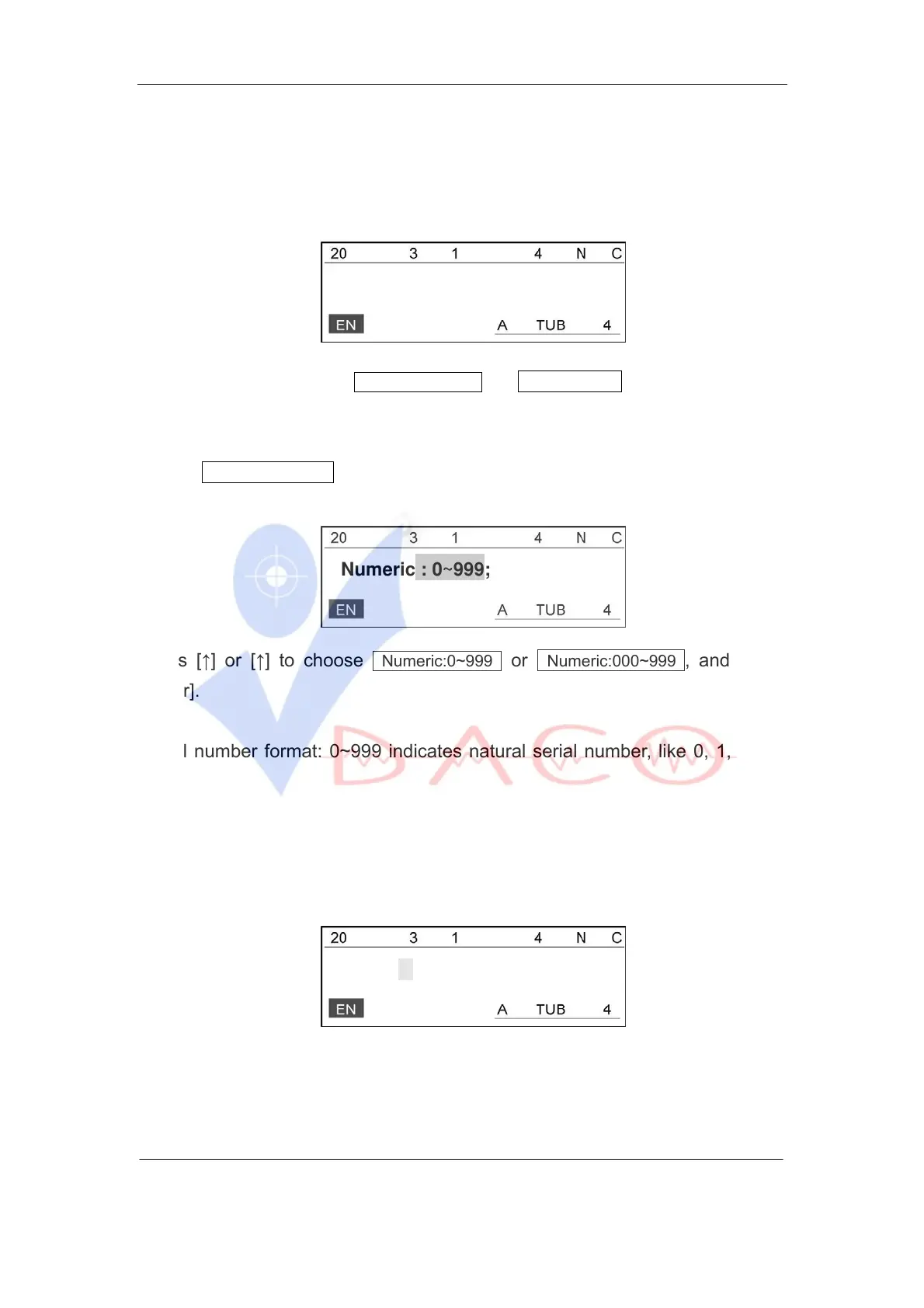
Numeric : 0~999;
Press [↑] or [↑] to choose Numeric:0~999 or Numeric:000~999 , and press
[Enter].
Serial number format: 0~999 indicates natural serial number, like 0, 1, 2, …,
999;
Serial number format: 000~999 indicated aligned serial number, like 001,
002, …, 999.
Press [↑] or [↓] to select your desired choice and press [Enter], then the screen
will display as follows:
Start:
Input the starting serial number and press [Enter], then the screen will display
as follows:



 To Next Page