USER’S MANUAL OF LK-320E
LABEL & MARK INDUSTRIES COMPANY
29
End:
Input the terminating serial number and press [Enter], then the setting is
completed and the screen will return to the text editing window automatically.
Then, the text editing window will display serial number status as below:
For natural serial number (0—999):
For aligned serial number (000—999):
Letter sequence
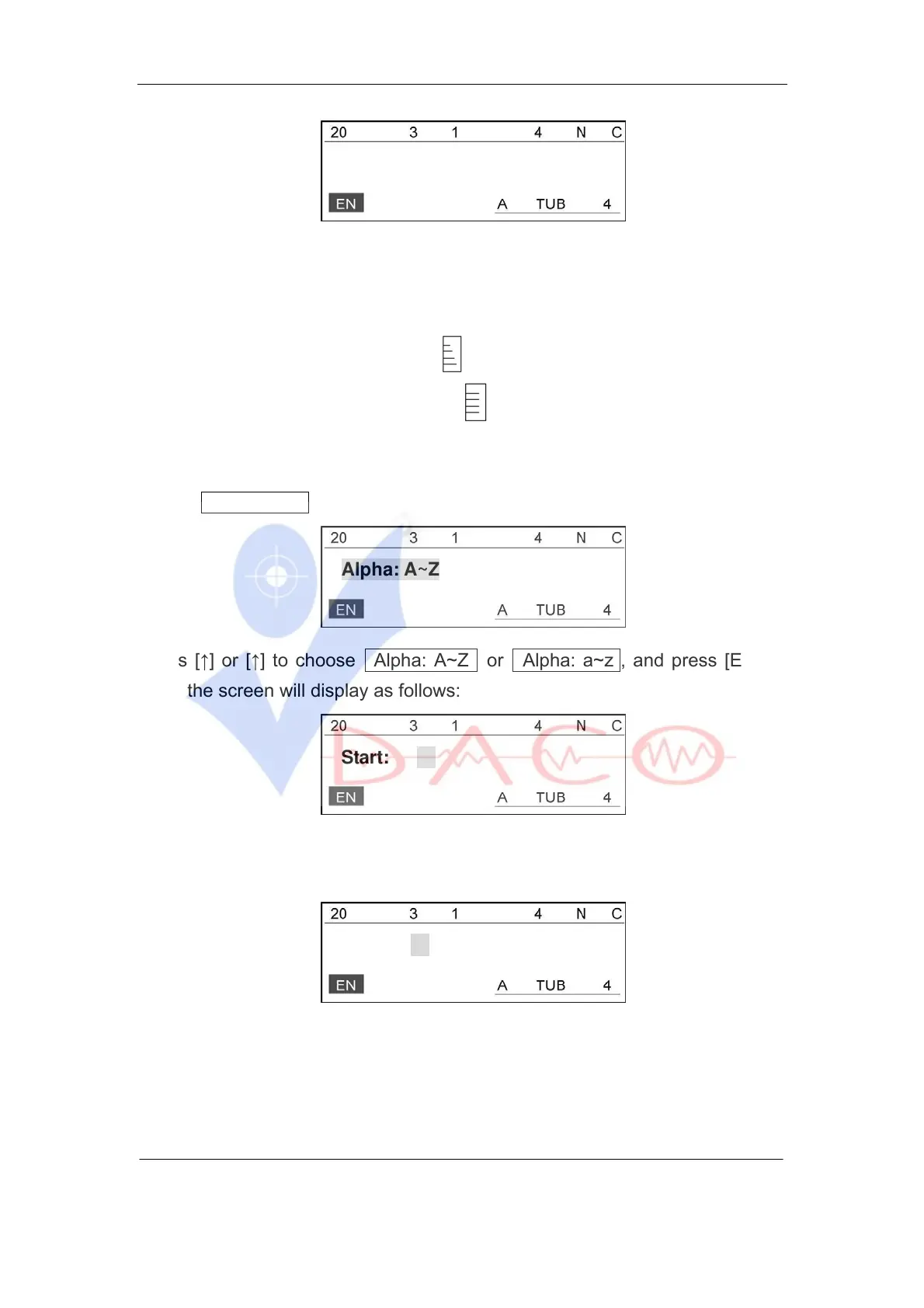
Select Alphabetical and press [Enter], then the screen will display as follows:
Alpha: A~Z
Press [↑] or [↑] to choose Alpha: A~Z or Alpha: a~z , and press [Enter].
Then the screen will display as follows:
Start:
Enter the starting sequential letter and press [Enter], then the screen will
display as follows:
End:
Enter the terminating letter and press [Enter], the setting is completed and then
the screen will return to the text editing window automatically.
Now, the text editing window will display the following sequential letter status:



 To Next Page