12
Customizable Alerts
TEMPERATURE & HUMIDITY
1.
2.
3.
Hold the ALERTS button to enter the
Alert Settings Menu.
Use the +/- buttons to activate/deactivate
individual alerts, or press the ALERTS
button to skip to the next alert option.
Once activated, use the +/- buttons to
adjust the alert value. Press the ALERTS
button to confirm and move forward.
Setting Custom Alerts
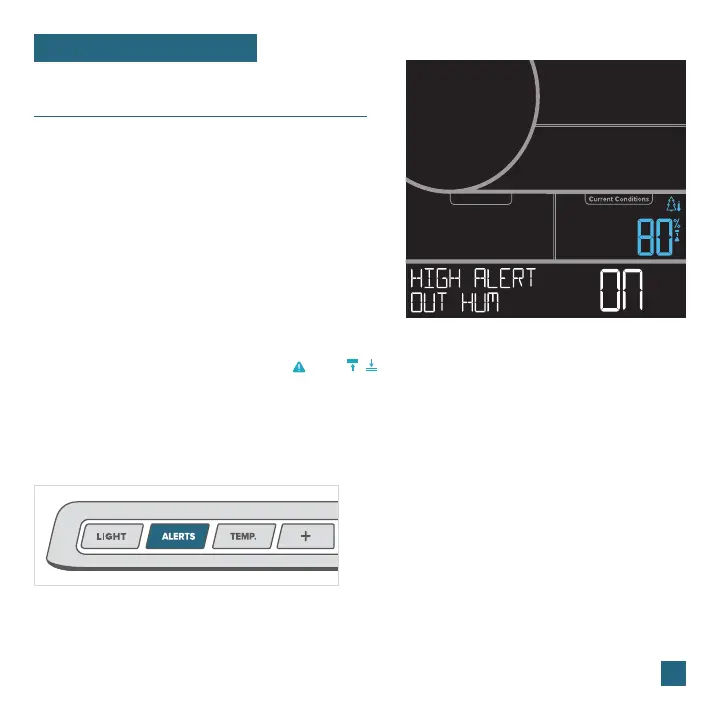
Outdoor High Humidity Alert LCD Example
Alerts Setting Order
Outdoor High Temperature • Outdoor Low Temperature • Outdoor High Humidity • Outdoor Low Humidity
Indoor High Temperature • Indoor Low Temperature • Indoor High Humidity • Indoor Low Humidity
Activating/Deactivating Alerts
1.
2.
Hold the ALERTS button to enter alert settings.
Use the +/- buttons to activate/deactivate alerts.
Active alerts are indicated by the and / icons in
the Current Conditions section on the screen.
Note: The default setting for
alerts is OFF.
Alerts Sounds
• When an alert value is reached, the station will
beep 5 times each minute until the value moves
out of the alert range.
• Press any button to stop the alert sound.
• If the alert sounds and you do not see a flashing
alert icon, press the IN/OUT button to view the
other reading.
• Alerts set on the station are separate from
those created within the app.















 To Next Page