Page | 14
Professional Remote Monitoring Station
Reset HI | LO Temperature/Humidity Records
1. Press the TEMP button to view individual readings.
2. Hold the MINUS button for five seconds to reset the individual value.
3. HI | LO reading will reset to current temperature, humidity, and current time/date.
Alerts
There are 10 programmable weather alerts on this weather station.
• Outdoor LOW Temperature
• Outdoor HIGH Temperature
• Indoor LOW Temperature
• Indoor HIGH Temperature
• 24-hour Rainfall
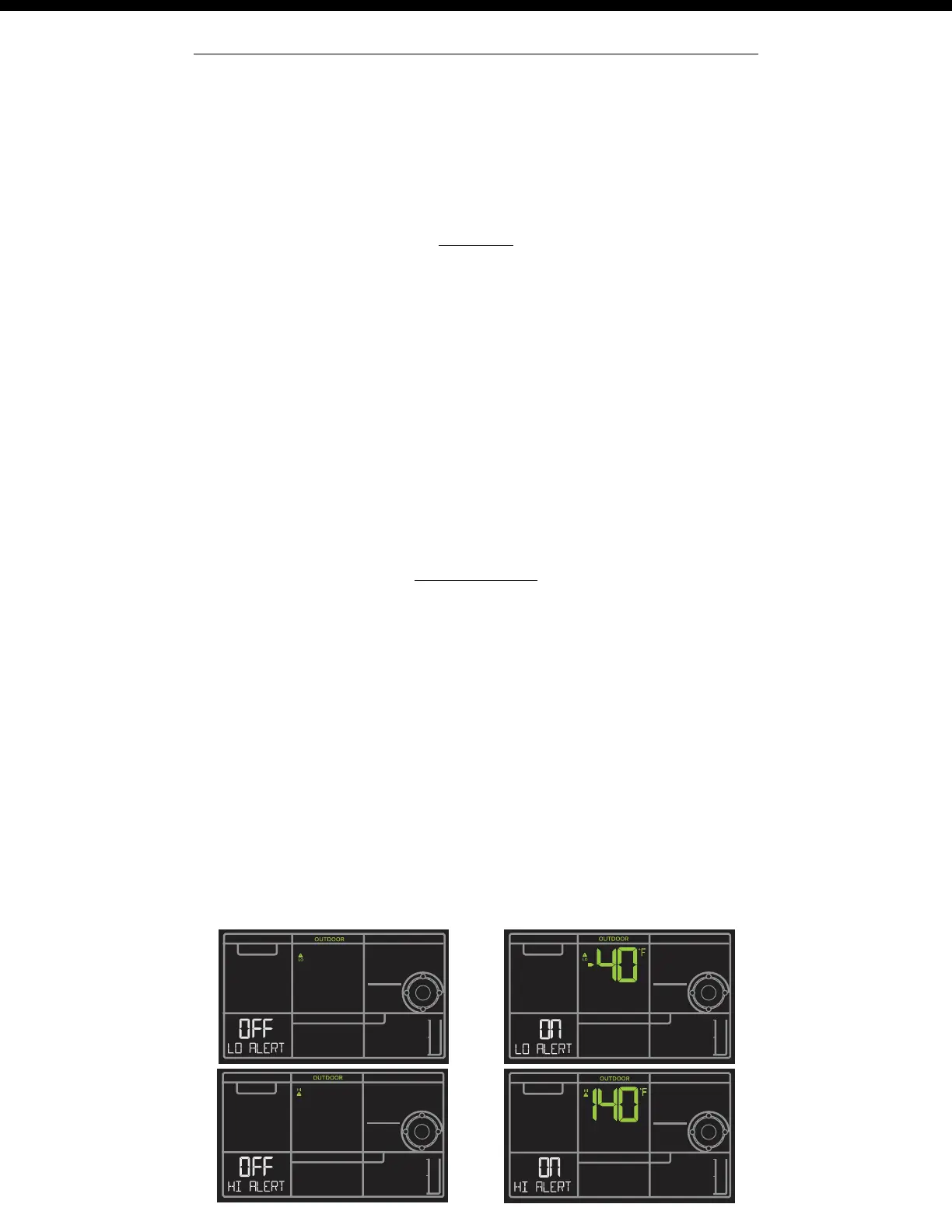
• When you enter the alerts menu, you will first have to arm the alert you wish to set, then set the alarm value.
• If you do not arm the alert, you will skip that alert and move to the next.
Hold the ALERTS button for 3 seconds to enter alert set mode. Outdoor Low Temperature alert OFF will show.
Alert ON:
1. Press the +/- buttons to arm the alert.
2. Press the ALERTS button and the alert value will flash
3. Press the +/- buttons to set the alert value (Hold to set quickly).
4. Press ALERTS button to move to next alert.
Alert OFF:
• Alerts are OFF unless armed. If you do not wish to set an alert, simply press the ALERTS button again to move to the
next alert.
Set Alerts
• Outdoor LOW Humidity
• Outdoor HIGH Humidity
• Indoor LOW Humidity
• Indoor HIGH Humidity
• High Wind Speed (CURRENT wind)
Outdoor Temperature Alerts















 To Next Page