Page | 15
Professional Remote Monitoring Station
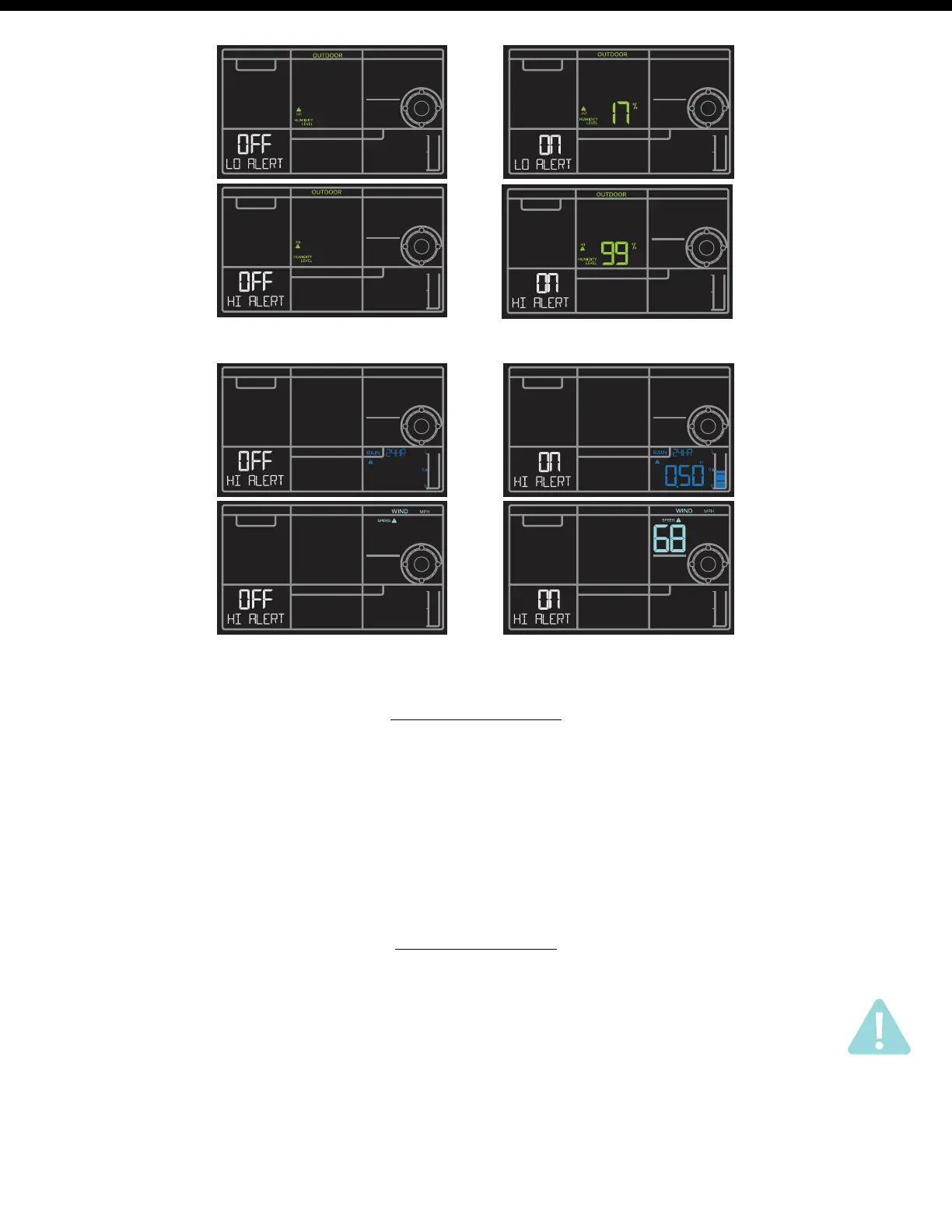
1. Hold the ALERTS button 3 seconds to enter alert set mode.
2. Press and release ALERTS button until you see the alert you wish to disarm.
3. Press the +/- buttons to disarm the alert. The alert text goes from ON to OFF.
4. Press the LIGHT button to exit.
Disarm Alerts
Outdoor Humidity Alerts
Wind Speed and Rain Alerts
• When armed alert value is reached, station will beep 5 times each minute, until out of alert range.
• The flashing alert icon will indicate the type of alert.
• Press any button to stop the alert from sounding.
• The alert icon will continue flashing while value while value is in alert range.
Active Alerts















 To Next Page