Page | 9
Professional Remote Monitoring Station
Settings Menu
When operating as a standalone station, you can manually adjust your station’s settings
1. Hold the SET button for 3 seconds to enter settings menu.
2. Press and release the + or - buttons to adjust the flashing values. Hold to adjust quickly.
3. Press and release the SET button to confirm and move to the next item.
Note: Press and release the LIGHT button any time to exit settings
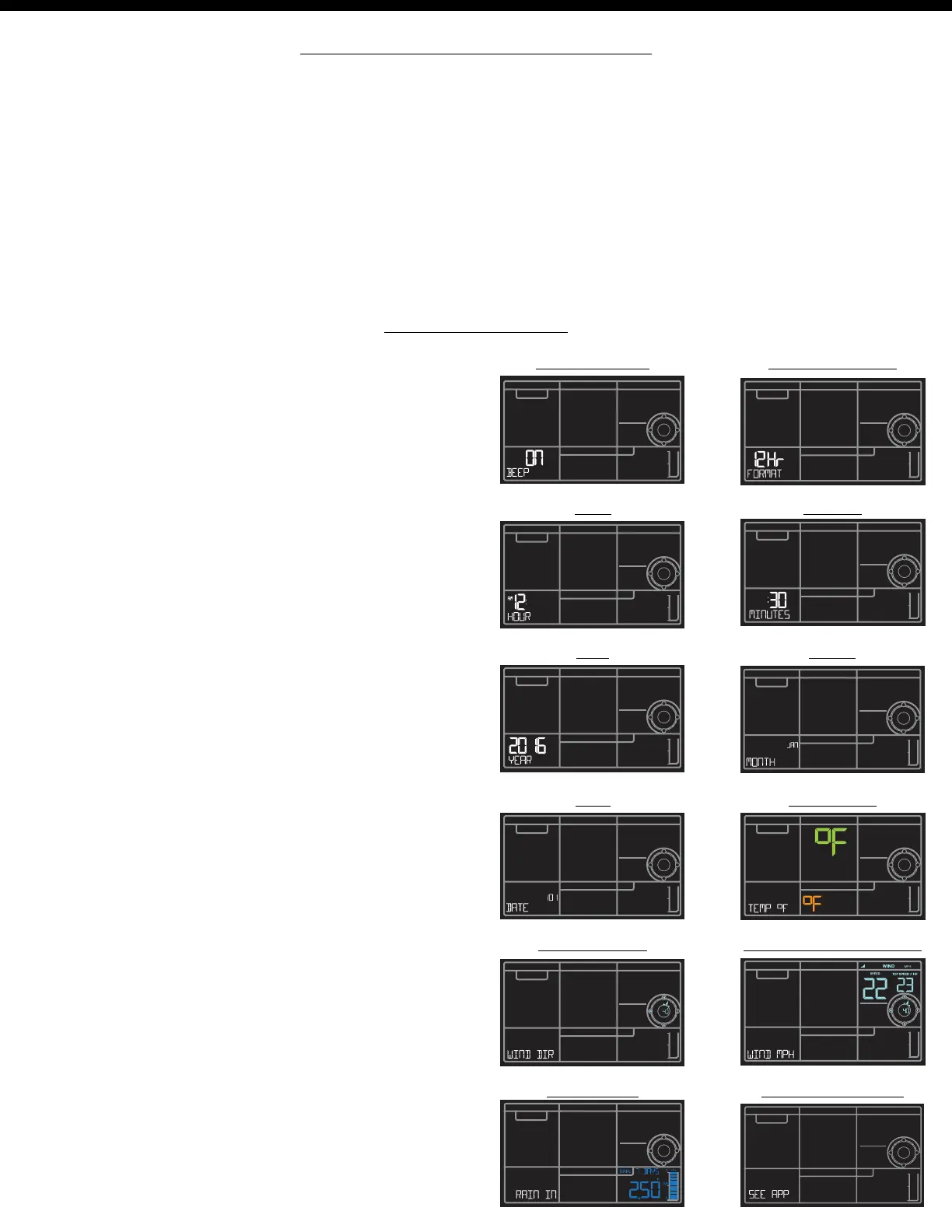
Settings order:
•Beep ON/OFF
•12/24 Time
•Hour
•Minutes
•Year
•Month
•Date
•Temperature Fahrenheit/Celsius
•Wind Direction (letters or degrees)
•Wind Speed (MPH | KMH)
•Rainfall unit (Inches | MM)
•SEE APP (connection prompt for app,
no actual function)
Option 2: Standalone Station
BEEP ON | OFF 12 | 24 Hour Time
Hour Minutes
Year Month
Date Temp °F | °C
Wind Direction Wind Speed MPH | KMH
Rain IN | MM Connection Prompt















 To Next Page