Page | 5
Professional Remote Monitoring Station
Note: If switching to a new Wi-Fi network, your station may take up to 3 minutes to reacquire all sensor
information.
Note: In the event of a power outage, or your station being unplugged temporarily, your station should
automatically reconnect to your existing Wi-Fi network, once power is reestablished.
Note: Weather station power cord use is required. Battery operation only, will not update sensor or Wi-Fi data.
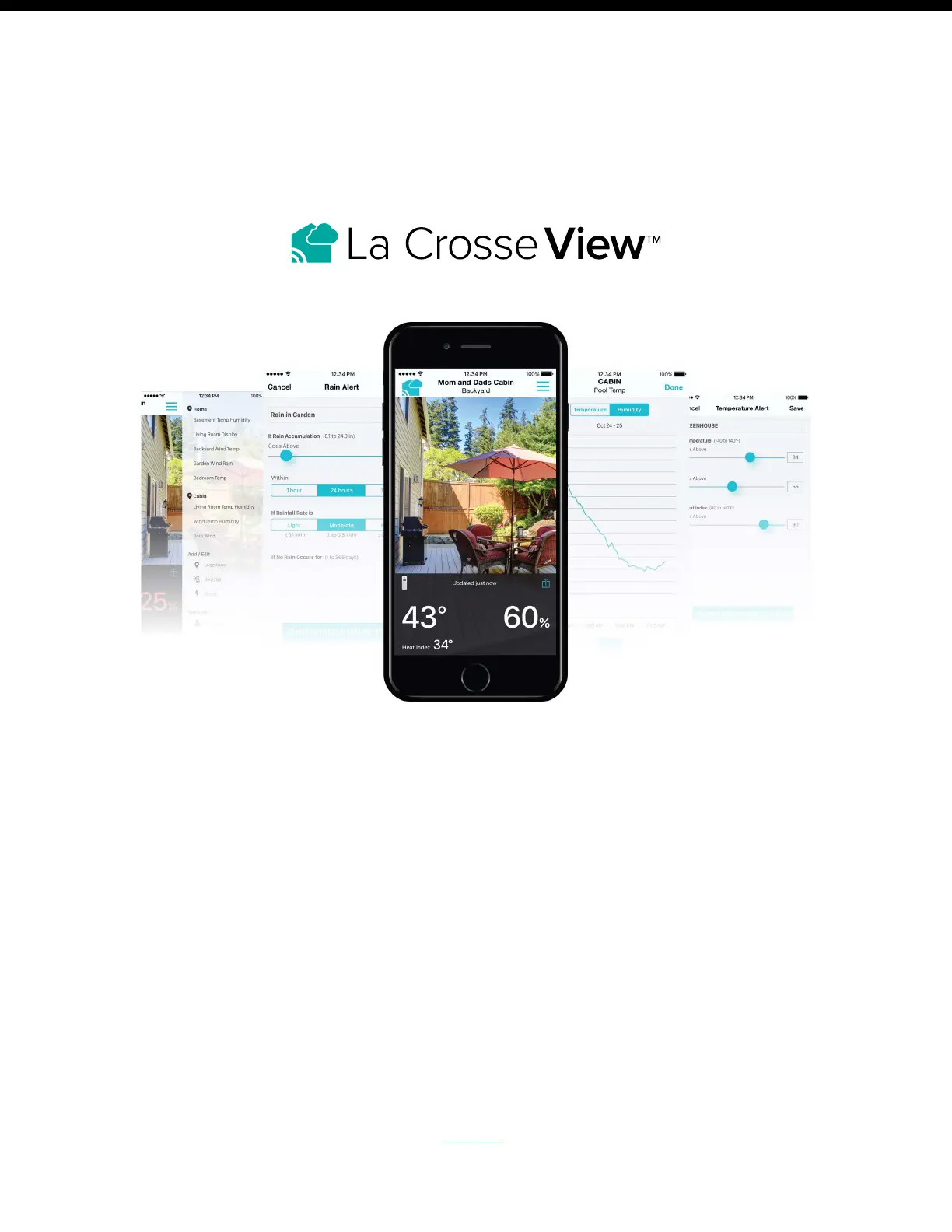
Connecting You to Your Home Anytime, Anywhere.
ON-THE-GO HOME MONITORING
• Check Current Indoor & Outdoor Readings, View History Charts, and Set Custom Mobile Alerts.
FRIENDS & FAMILY SHARED ACCOUNTS
• No Need to Share Logins or Passwords! Invite Friends & Family to Download the App & Monitor Your
Home’s Data.
BEST IN CLASS APP EXPERIENCE
• Use Your Own Photos and Receive Free Push Notifications on the New, Easy-to-Navigate App
ADD OTHER SENSORS TO YOUR LA CROSSE VIEW™ APP
• You can add additional Temp & Humidity, Wind Speed, Rain, or Multi-Sensors to your La Crosse View™ app,
easily expanding your coverage to all areas of your home.
• Your weather station will act as a Wi-Fi gateway, allowing these additional sensors to pass through the station
and show their data on your La Crosse View™ app.
• Add-on sensor data will, however, not be shown directly on your weather station.
• For more help connection additional sensors, see page 8.















 To Next Page