7
II. Program Mode
Programming Note:
If 30 seconds are allowed to pass or either the IN or the OUT
button is pressed during programming modes, the unit will set the last information
entered—the display will stop flashing and return to normal time-date readings.
A. Function Keys
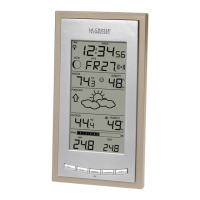
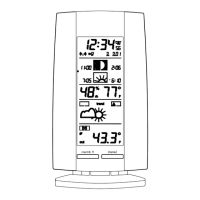
Weather Station:
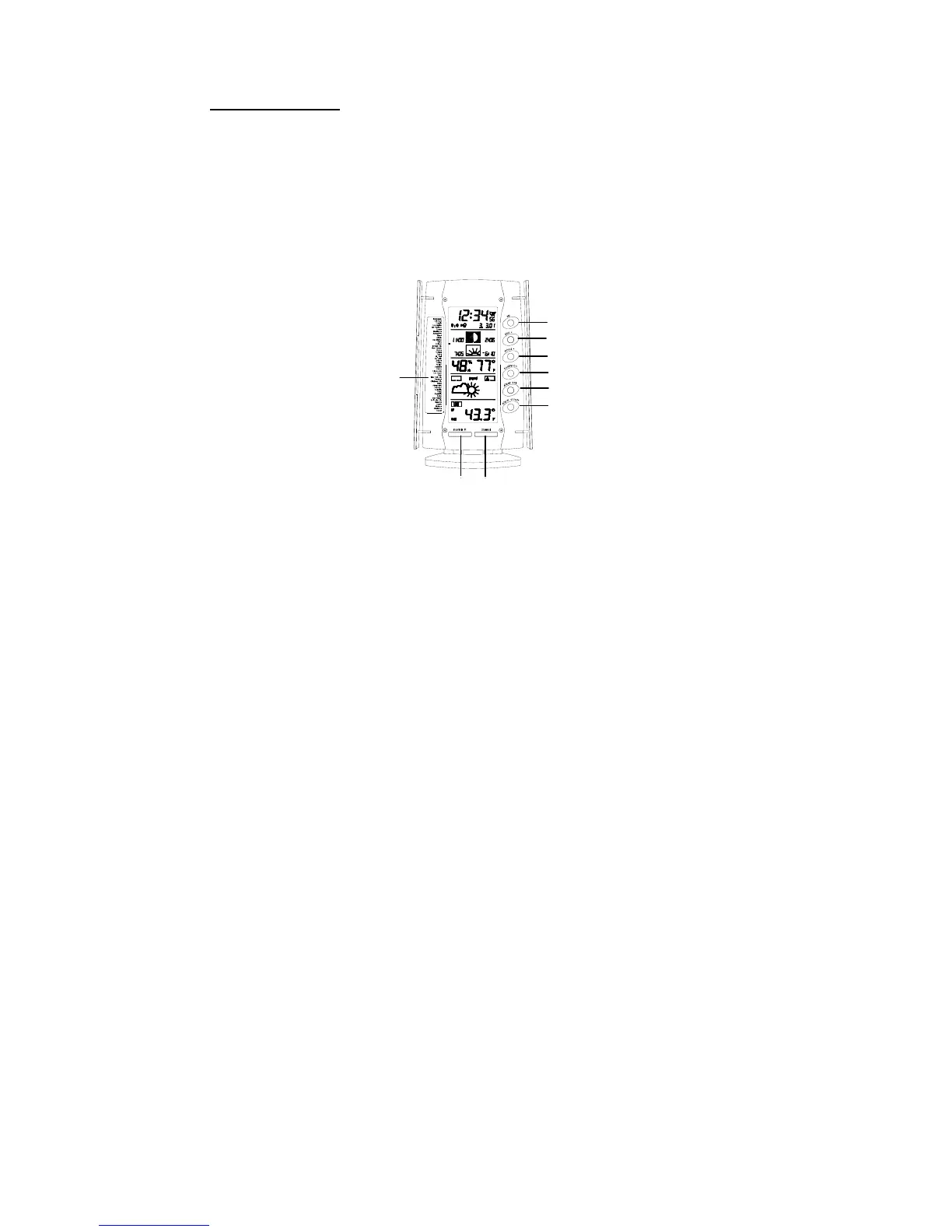
The Weather Station has 8 easy to use function buttons; 6 behind the right
front panel of the Weather Station and 2 on the front:
LARM ON/OFF button
MAX/MIN R
button
CHANNEL button
34 preset city name
for Sun/moon data
LARM SET button
SUN/MOON button
MINUS (-) button
PLUS (+) button
SET button
1. SET button
• Enter manual setting modes: LCD contrast, city location, time
zone, DST ON/OFF, WWVB ON/OFF, 12/24 hour display,
manual time setting, calendar, snooze function, temperature °C or
°F, and weather icon sensitivity setting
• Stop the alarm during alarm ringing
2. PLUS (+) button
• Increase value in all setting modes
• Increase the digits
• Stop the alarm during alarm ringing




 To Next Page