LAARS Heating Systems
Page 54
SECTION5.Control Display and Operation
5.1 Control Dial and Buttons
• Temperature Specications
Operating ambient Temperature Range : -10 to 60°C.
Operating Relative Humidity up to: 90% at 40°C.
Shipping & Storage Temperature Range of : -20 to 80°C.
Buttons
Functionality
PRESS (Tap) PRESS and HOLD (5 seconds)
A
Display Power
Turns Control Display ON/OFF
B Modes Tap to return to menu
(If Display Power was On )
Status Display Mode
(If Display Power was Off ) Installer Mode
C
Heating
Water
CH set-point change mode
(Maxium 82
°C(180°F))
D
Time / Date
Set
No Change To SET: Year/Month/Week/Day/Time/Min
E
Scroll / Select
Menu select or value
up(+)/down(-) or setting dial.
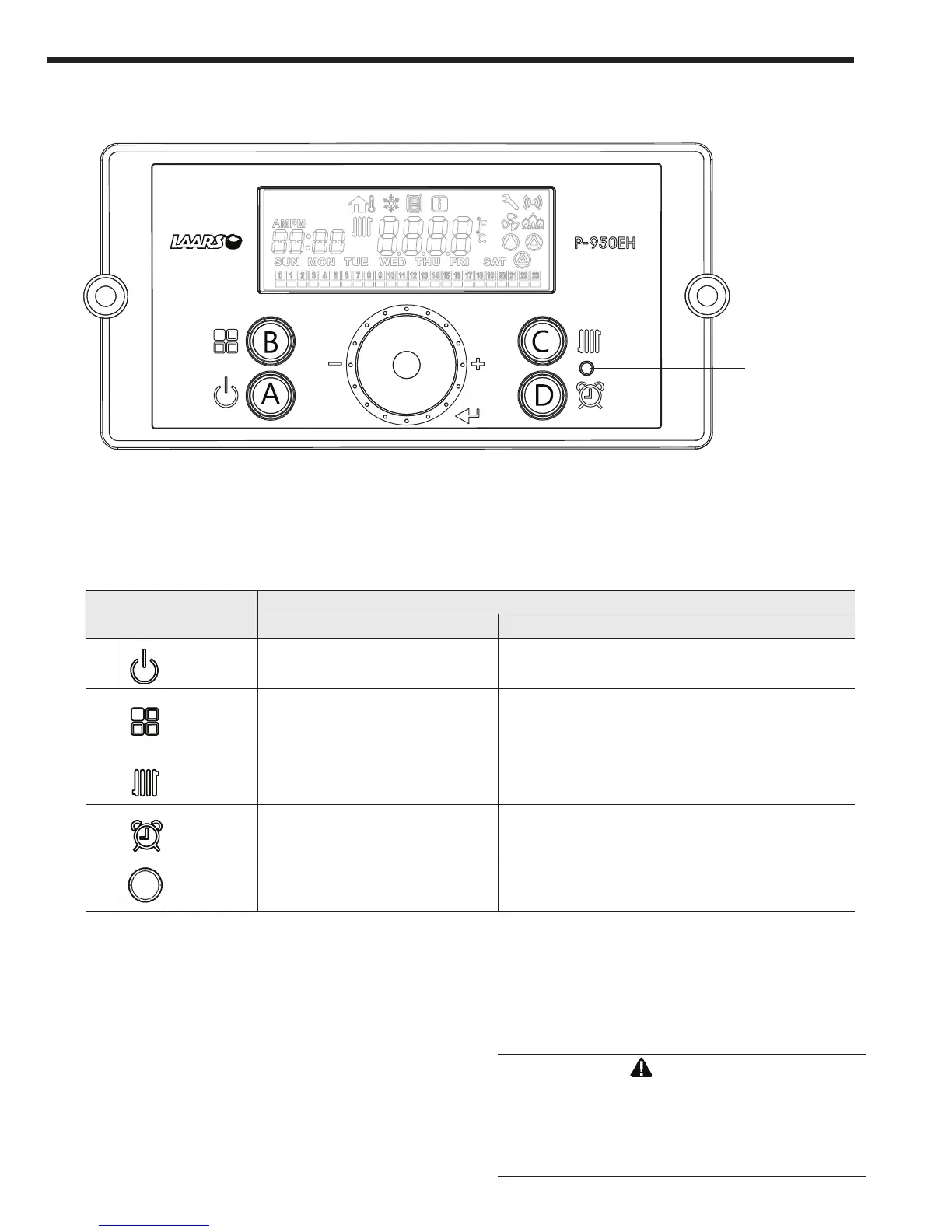
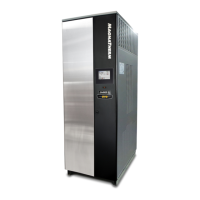
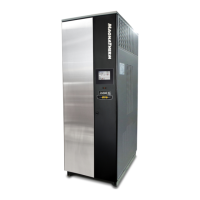
The Control Display has a Control Dial (E), 4 buttons (A, B, C, D), and a Liquid
Crystal Display (with 72 back-lit segments). This section of this manual gives
instruction on how to navigate into the many functions of the Mascot FT and to
change temperature set points, set system variables and controller parameters.
Status Light
(constant green
when operating
normally)
E
WARNING
Do not use this appliance if any part has been under
water. Immediately call a qualied service technician
to inspect the appliance and to replace any part of
the control system and any gas control that may have
been under water.
The Control Display



 To Next Page