Activity Guide
Tech-Design by Lab-Volt 11
Automation & Robotics Methods of Programming
Open the robot gripper fully by rst selecting the Motion tab to display the Motion window. 7.
In the Gripper section, click on the Open button until the robot gripper becomes fully open in the 8.
view display area.
Record point A by doing the following:9.
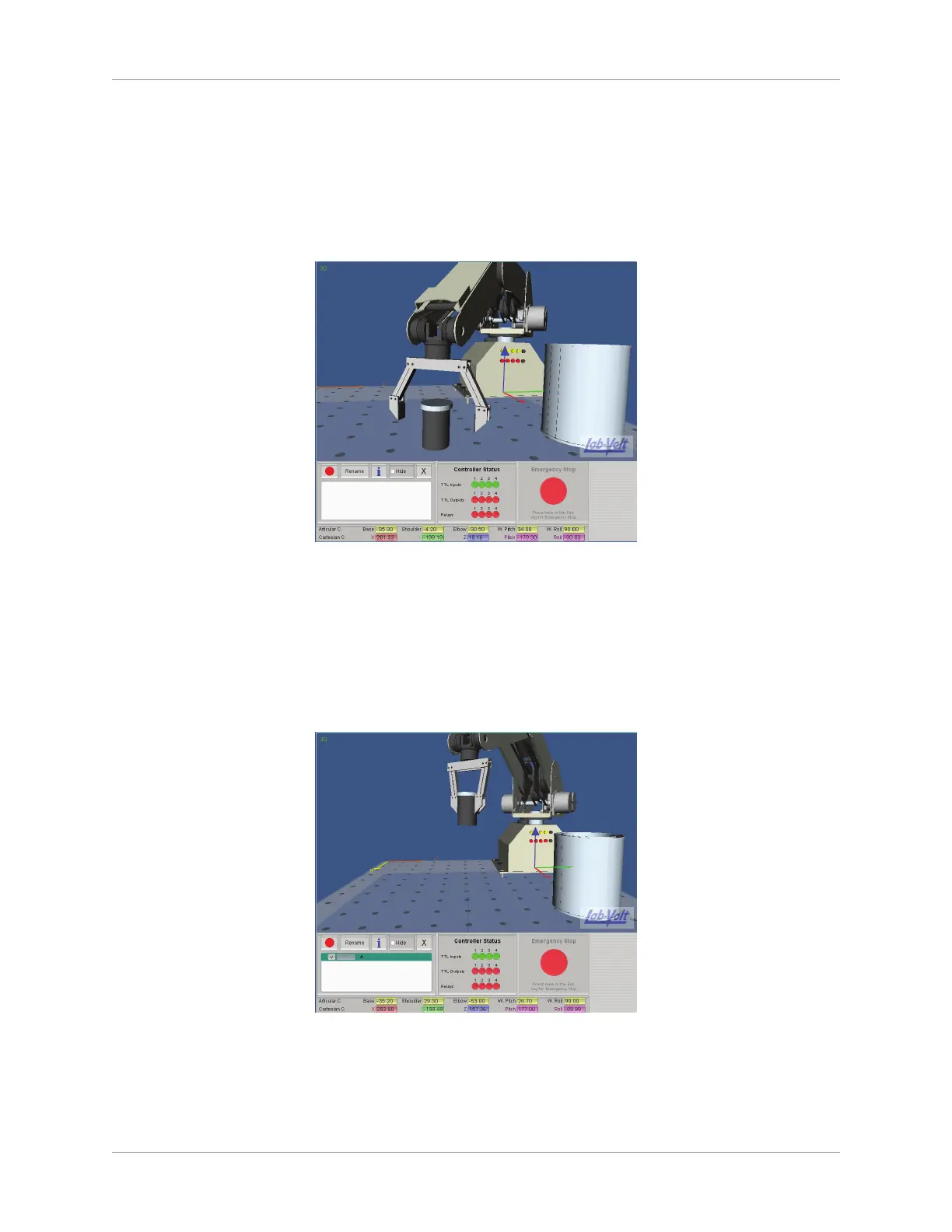
Use the arrows of the ve articulations of the robot to move and position the gripper so that it is a.
ready to grasp the lm canister.
Grab Canister
Grip the lm canister by clicking on the Close button. b.
In the header of the Point Recorder panel, click on the c. Record button. Enter “A” as the name
point and click OK.
Record point B (height clearance point) by following the steps below:10.
Use the arrows of the ve articulations of the robot to raise the canister 140 mm (5.5 in) a.
approximately above the work surface, and over the top of the metallic can.
Raise Canister
Click on the Record button and enter “B” as the point name. Click on OK. b.
Record point C (point over the metallic can):11.



 To Next Page