Activity Guide
12 Tech-Design by Lab-Volt
Methods of Programming Automation & Robotics
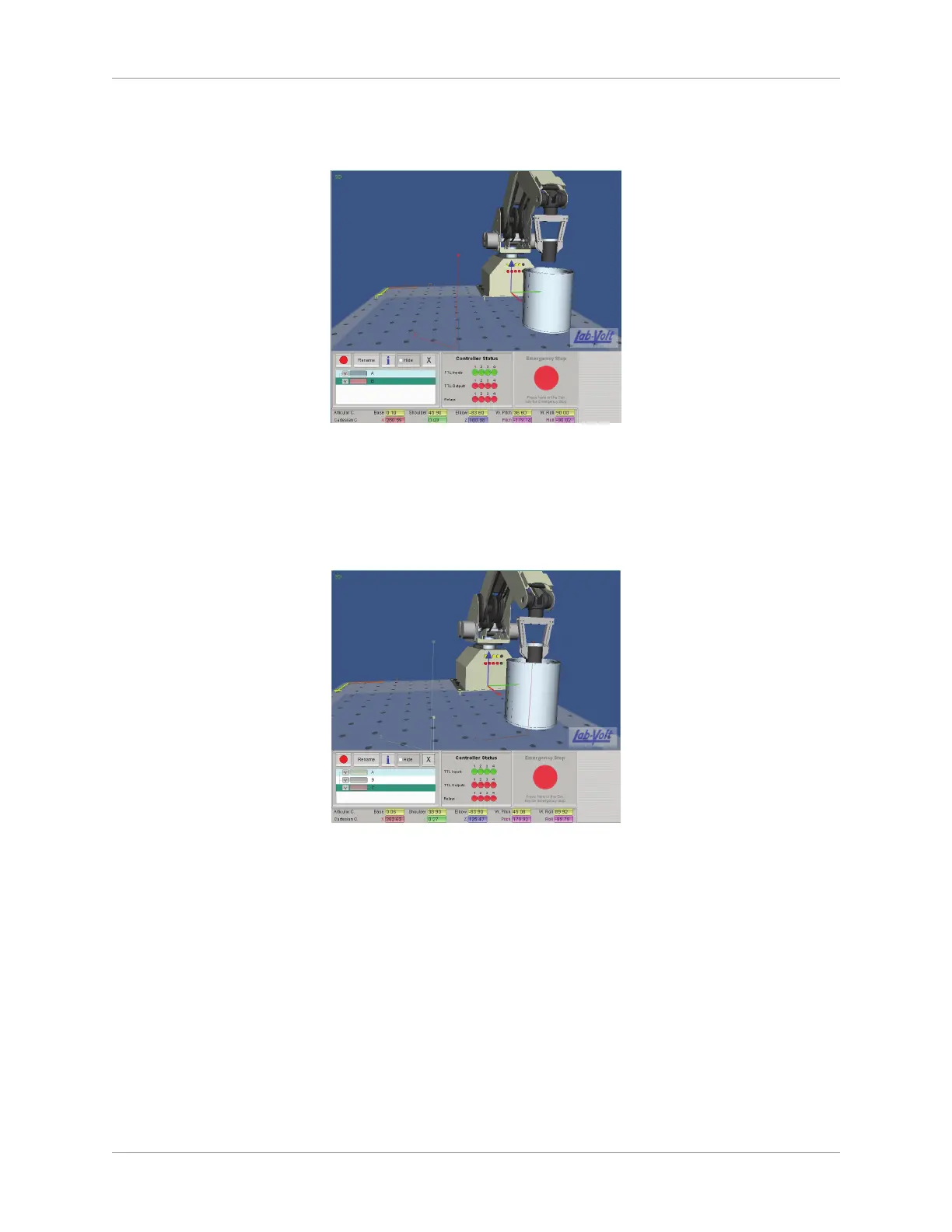
Use the arrows of the ve articulations of the robot to move the canister over the approximate a.
center of the metallic can.
Move Canister
Click on the Record button and enter “C” as the point name. Click OK. b.
Record point D (point down to which the canister is lowered within the can):12.
Use the arrows of the ve articulations of the robot to lower the bottom of the canister down into a.
the can (bottom quarter of the canister level with the top of the can).
Dip Canister
Click on the Record button and enter “D” as the point name. Click OK. b.
Return the lm canister to the starting point:13.
In the Point recorder panel, double-click on the name of point A, which will return the canister to a.
point A (starting point).
Release the canister by opening the robot gripper fully (click on the Open button of the Gripper b.
section).
Perform a soft home by selecting Soft Home in the Motion menu of the 14. RoboCIM menu bar.
Write the Program
Now that the points have been recorded, a program can be written.
First create a new icon program:1.



 To Next Page