Chapter 4: Using Your CentriVap
Product Service 1-800-522-7658
The tables in Appendix C: CentriVap Specifications indicate approximate times
required to evaporate various common solvents. Actual times must be determined
by the user. The CentriVap can be set to alarm after a preset period of operation.
When the time expires, the CentriVap will give an audible alarm and turn itself
off.
CentriVap Controls
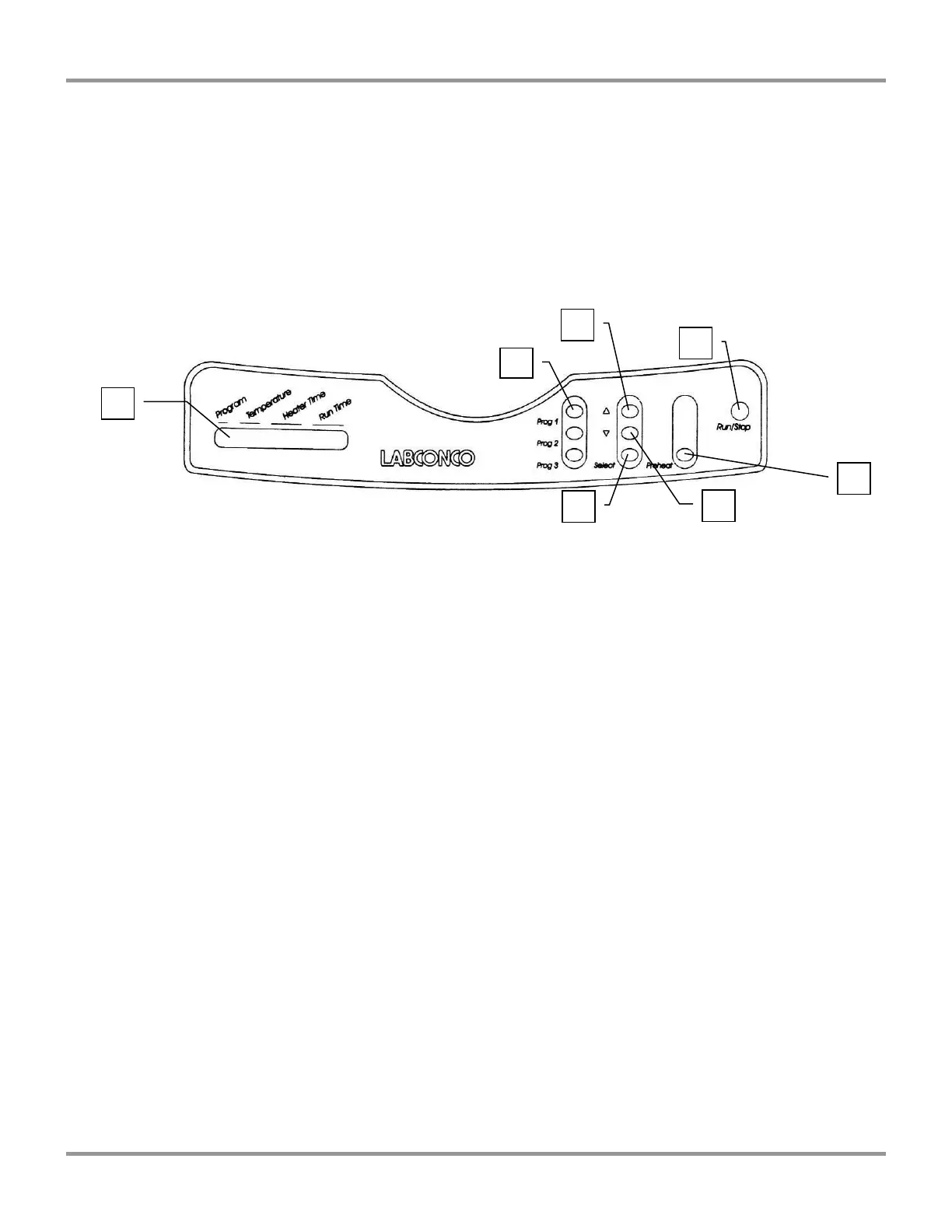
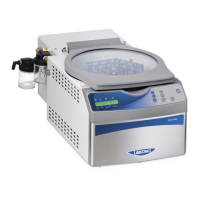
The control panel for the CentriVap is shown below with a description about its
function.
1. Display – The liquid crystal display (LCD) shows set point parameters and
actual measured conditions.
2. Program Buttons – Used to initiate the start of a run with the use of just one
button.
3. Run/Stop Button – Used to start or stop a run.
4. Preheat Button – Used to turn on the heater to preheat the chamber prior to
loading samples.
5. Increase Button – When pressed, the last selected set point will increase.
6. Decrease Button – When pressed, the last selected set point will decrease.
7. Set Point Select Button – To select a parameter to change, press the select
button. Arrows on the display will point to the parameter that may be altered.




 To Next Page