EasyManua.ls Logo

Labconco CentriVap DNA Systems - Chapter 7: Troubleshooting

Labconco CentriVap DNA Systems
36 pages
Print Icon
To Next Page IconTo Next Page
To Previous Page IconTo Previous Page
Loading...
Product Service 1-800-522-7658
25
Chapter 7:
Troubleshooting
Refer to the following if your CentriVap fails to operate properly. If the
suggested corrective actions do not solve your problem, contact Labconco for
additional assistance. The following failure codes may appear on the display
when problems are sensed by the internal self check routine.
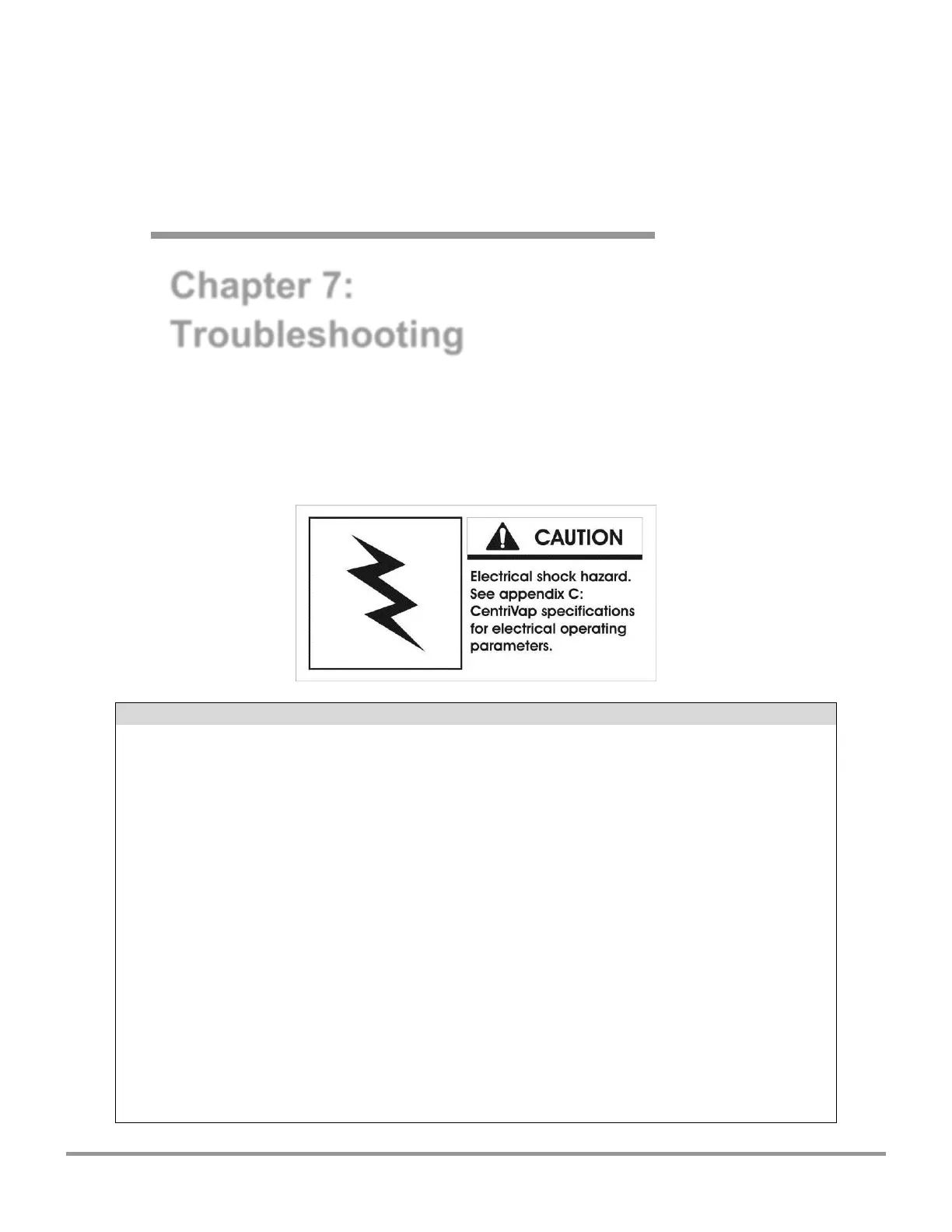
CAUTION: Disconnect power before corrective action is taken.
DISPLAY ERROR CODE
CAUSE
CORRECTIVE ACTION
Heat Sensor
Sensor failure
Replace sensor assembly.
Connection failure
Repair connection.
Close Lid
Lid open
Close lid.
Latch Fail
Solenoid failure
Check component.
Switch or sensor
failure
Check connections.
Mem Fail P1
Memory failure
Push program button #1.
New memory IC chip
Push program button #1.
Bad memory IC chip
Call Labconco Replace IC chip or
control PCB.
Related product manuals