CloudBox User Manual 104
RESTORE A LOCAL BACKUP
Restore and Remote Backups: Remote Backups cannot be restored using the Backup & Restore Wizard.
You can retrieve backup files directly from the backup disk.
Setup
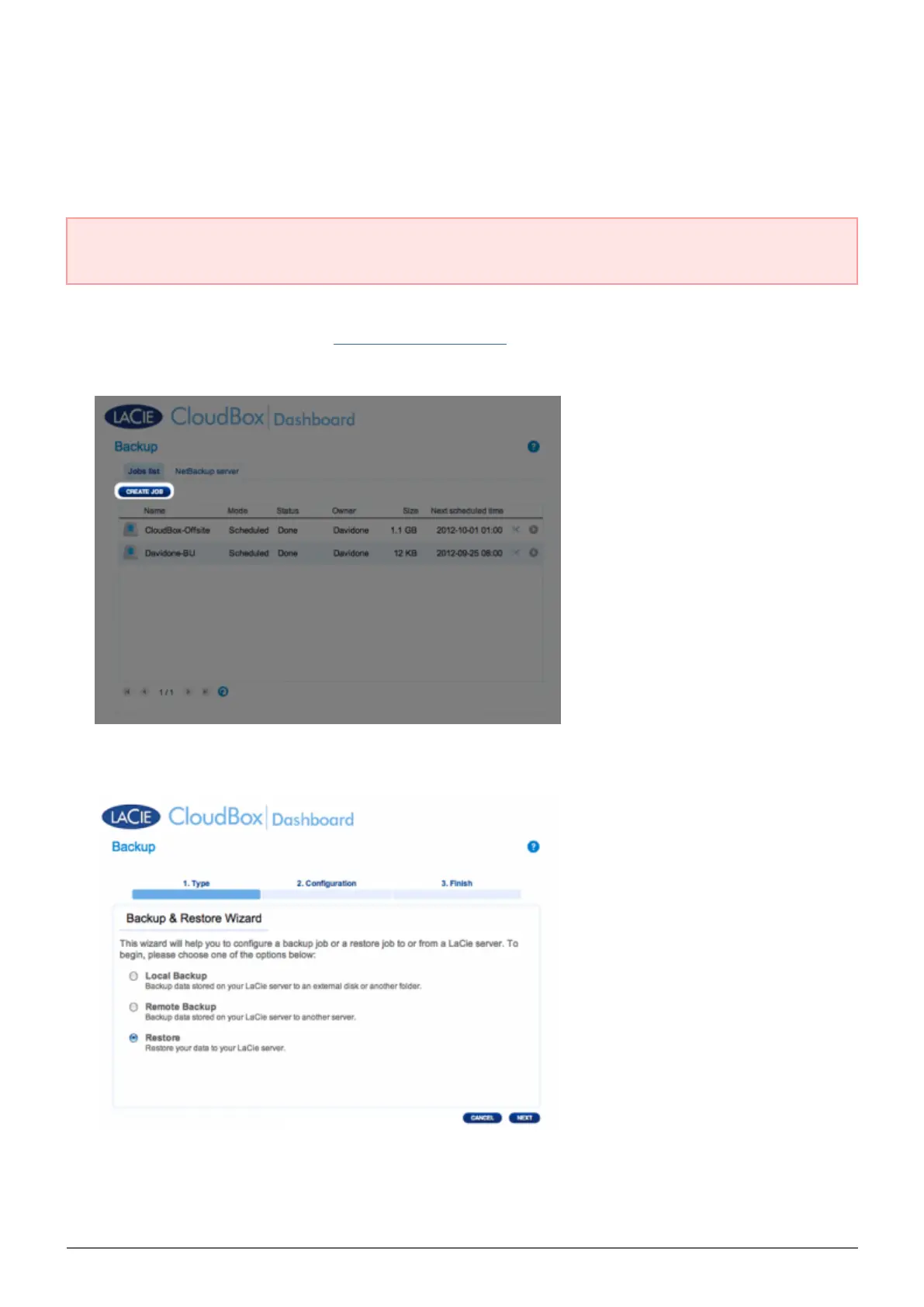
Launch the CloudBox Dashboard (Log on to the Dashboard) to select the Backup page.1.
Click the CREATE JOB button.2.
Select Restore, then click NEXT.3.
Select a restore type, either from an existing backup job, or from a backup folder. Click NEXT.4.















 To Next Page