CloudBox User Manual 113
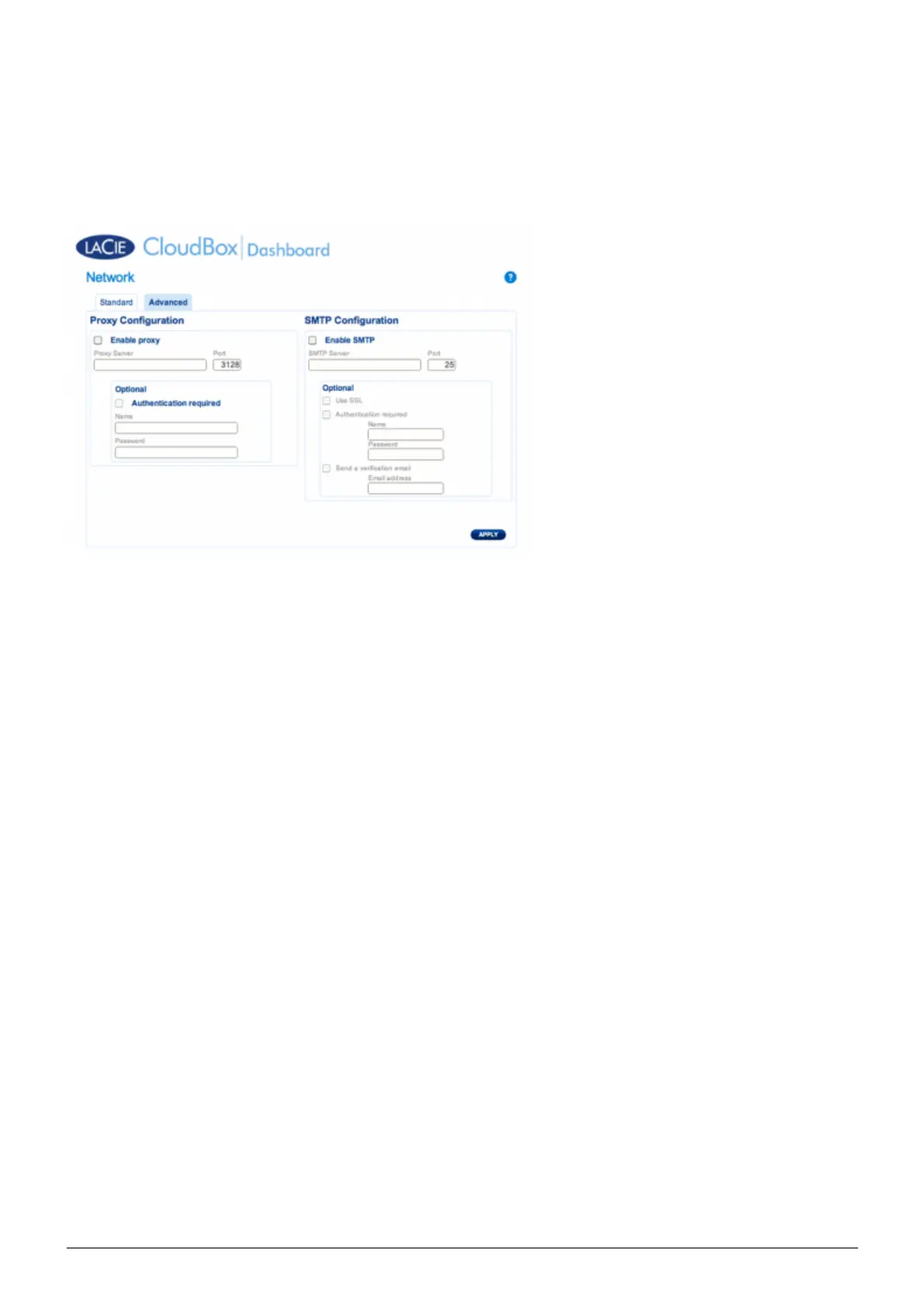
ADVANCED TAB
Proxy Configuration
Many business computers require a proxy server to reach the internet. In most instances, home routers and/or
networks connect to the internet via an interest server provider. Please contact your internet service provider to
learn if a proxy server address is necessary to connect the LaCie CloudBox to the internet. If you do require a
proxy server, fill in the applicable fields:
Activate the feature by clicking the Enable proxy box.1.
Fill in the proxy server address, port, and optional authentication information.2.
Click APPLY.3.
Enter Authentication credentials if necessary.4.















 To Next Page